


i was looking for new monitor that has a built-in KVM switch for two MacBook Pros (i have one for work, one for personal) but haven't found anything that checks all the boxes yet, so this has been a really good alternative. the switch is so nice because it lets me tuck the main unit under the table which saves space and hides the cables. switch has an indicator light to show which laptop it's set to display. if i had any complaints, it would be that it takes a bit for the display to switch (i run Amphetamine on both MacBooks so they don't sleep). pretty minor. also it would be nice if there were a dedicated power source that could power both USB-C devices so i don't have to plug in two separate AC wall adapters, but again pretty minor. i should've got this long ago over manually switching my power/display cable between the two laptops, this is so much better!
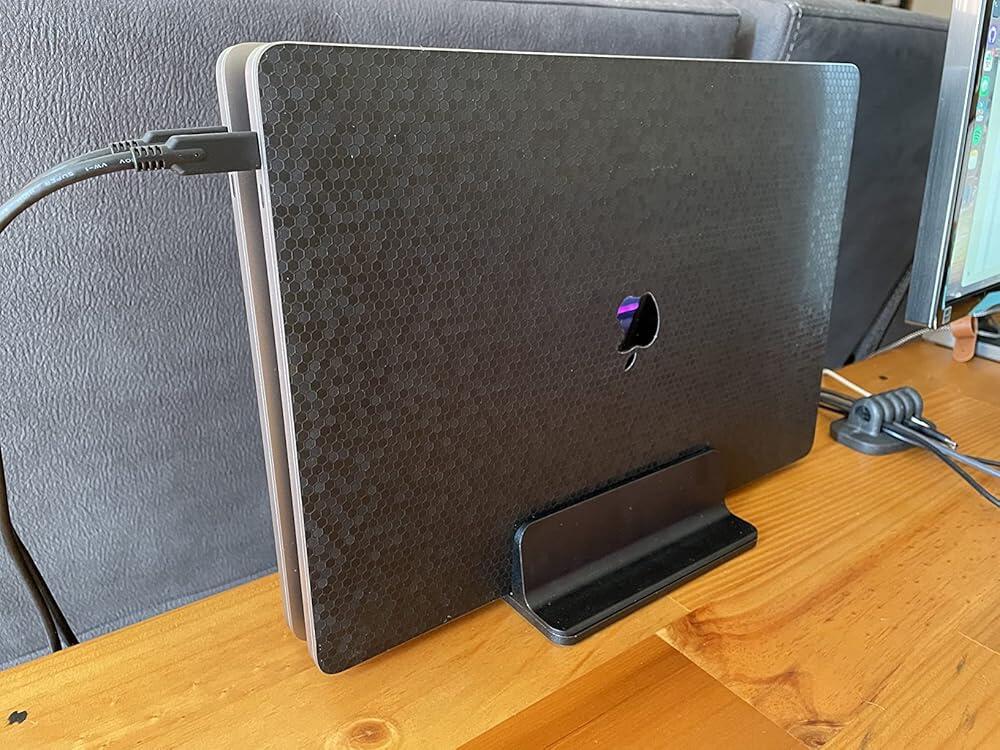
i was looking for new monitor that has a built-in KVM switch for two MacBook Pros (i have one for work, one for personal) but haven't found anything that checks all the boxes yet, so this has been a really good alternative. the switch is so nice because it lets me tuck the main unit under the table which saves space and hides the cables. switch has an indicator light to show which laptop it's set to display. if i had any complaints, it would be that it takes a bit for the display to switch (i run Amphetamine on both MacBooks so they don't sleep). pretty minor. also it would be nice if there were a dedicated power source that could power both USB-C devices so i don't have to plug in two separate AC wall adapters, but again pretty minor. i should've got this long ago over manually switching my power/display cable between the two laptops, this is so much better!
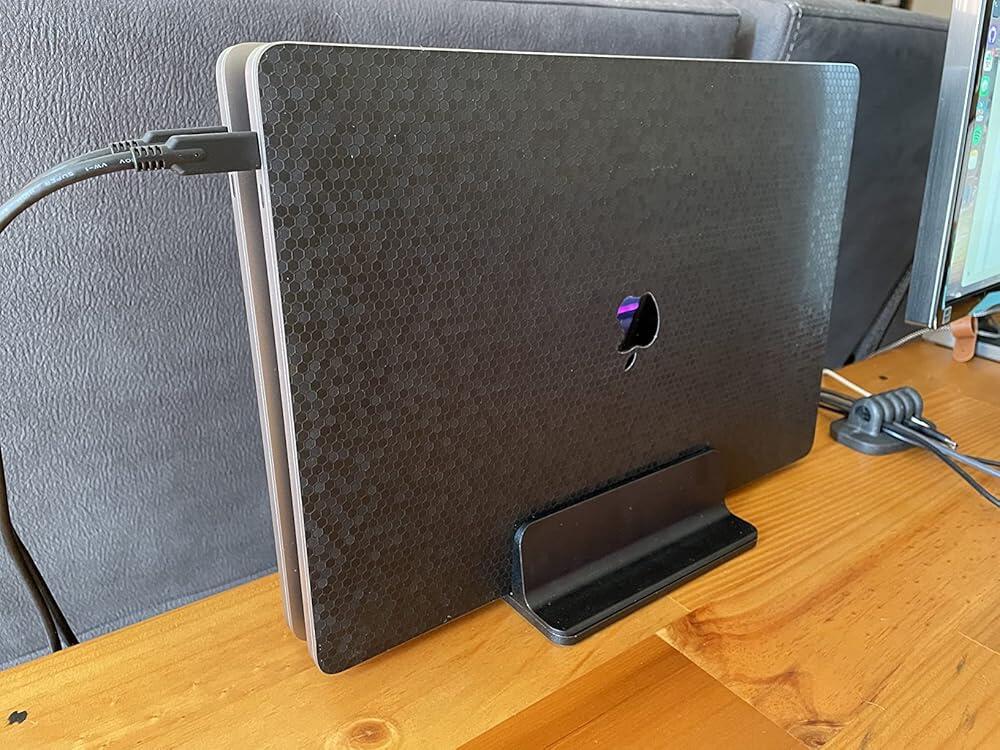
It constantly surprises me, how few KVM switches there seem to be out there, for sharing a display, keyboard and mouse between two (or more) computers equipped with USB-C ports. (Even more so, that there seem to be none - at least, that don't cost about as much as a laptop! - which can take more than two computers at a time, but that's another topic entirely...) Even in 2021, nearly all the KVM hardware I've found (certainly on Amazon) seems to be USB 2.0 or 3.0-based, which seems strange to me, given that a USB-C connection is usually much faster, and you can send pretty much everything (video, audio, other data, power, etc.) through one cable.I was specifically looking for a switch I could use in my home-office setup, to share the same display and input hardware between my work laptop (Windows 10) and my Chromebook and/or Mac Mini, via their USB-C/Thunderbolt ports. This Sabrent box seemed to be the only USB-C KVM I could find within my budget, so I took a chance on it.For reference: when using the work laptop and Chromebook with this switch, I put them both in a physically "closed" position, in a fairly solid aluminium vertical laptop stand, and set both so they don't go to sleep when I close the lid.Long story short: this switch does exactly what it says on the tin (for me, at least). Bearing in mind that a few reviews have mentioned power-related issues, I've had no problems with these. That being said, I've kept the work laptop on its own power supply rather than "passing through" from the switch, in the hope that this may avoid any power problems for the machine (which isn't mine). For the Chromebook, I've connected its PSU to the switch and use the "power pass-through", and it seems to do its job without issues.One minor "hack" I've employed: I wanted to share not only a USB keyboard and mouse between the machines, but also a USB webcam (superior to the built-in cameras in both computers) and a Jabra USB speakerphone. The Sabrent KVM sports just two "regular"-size USB ports, so I plugged in a compact 4-port USB hub into one of them. The switch shares all the devices, pretty much without either computer complaining, though bear in mind that all devices disconnect and reconnect when you switch the KVM between the machines. It also takes about 5 seconds or so to switch between them, so you'd need to allow for this if you have to do so. Try not to be in a hurry!Overall, I've been really pleased with this USB-C KVM switch, to the point where I only really have one "gripe": I really wish it could take three computers instead of just two! I would love to be able to add our Mac to this setup... but as we can't, I'd warmly recommend this device as it is.
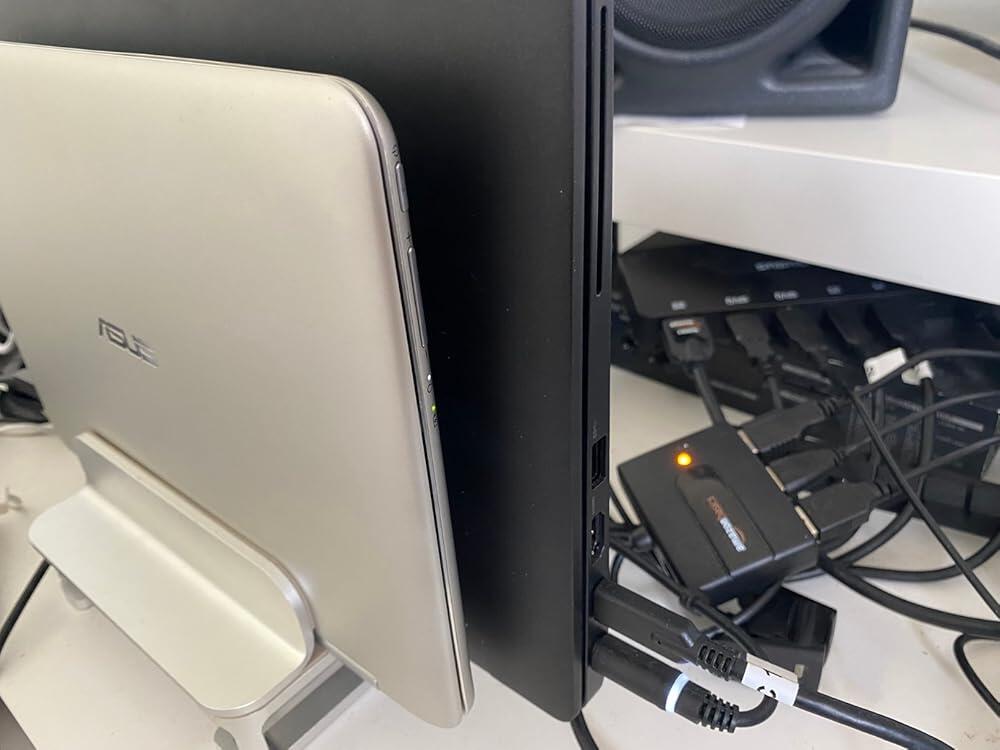
I had an existing OWC 13 Thunderbolt hub that worked great. But I added a work MacBook and wanted to swap from one laptop as primary with a 4K monitor to the other laptop with one click. It just squeaked by. Everything sleeps right and no extra power supplies. Only one thunderbolt connection to each laptop for Power, Video and USB. And everything is 4K. Works great. The 4K Monitor can supply power (to the Sabrent) for one laptop, the old OWC can supply power (to the Sabrent) for the other laptop. I could not get both laptops to take advantage of the OWC but I can live with that. I also have another tiny 4 port USB-3.0 hub that is plugged into the Sabrent for the KeyBoard, Phone etc. I really want to share the OWC because it has Ethernet and Optical Audio. But only one laptop gets that. Why a Thunderbolt 3 A/B box doesn't exist I don't understand. But I think how Thunderbolt handles power or Patents prevent it's existence.
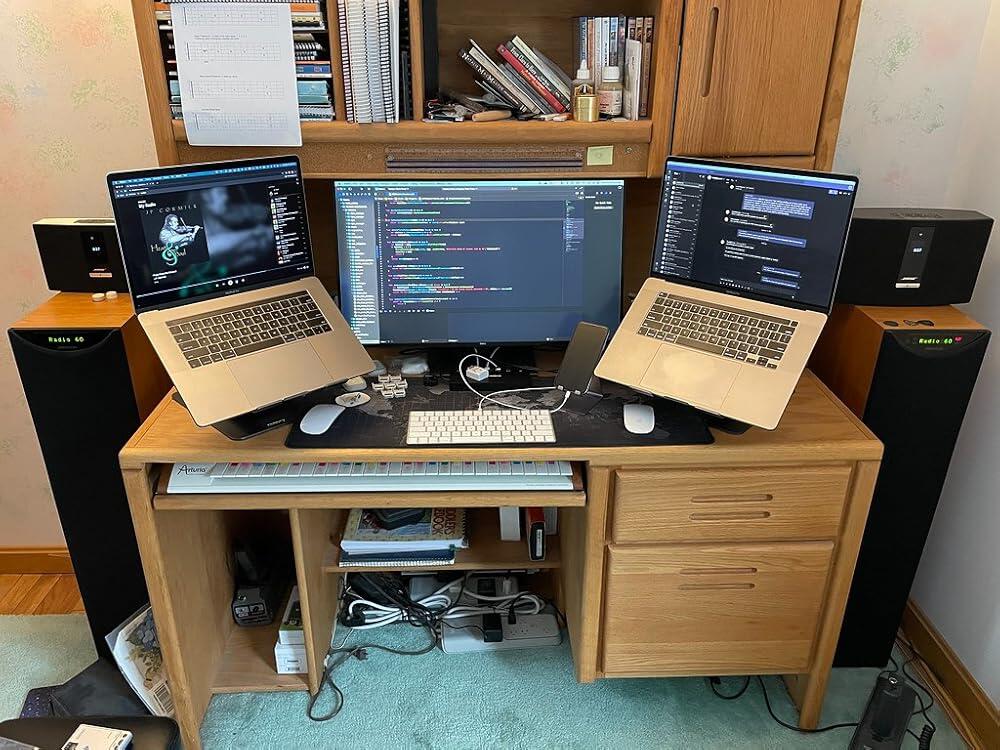
Good usbc switcher for KVM. I keep separate dongles for power, rj45, and thumb drives.
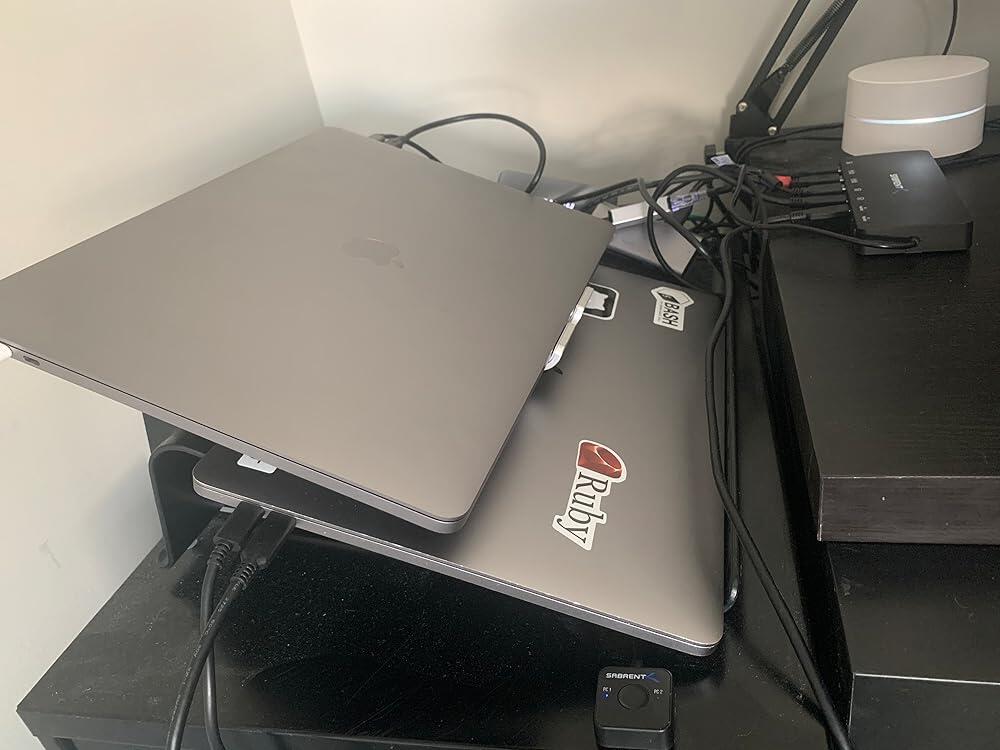
Easy setup. I have a Mac Mini 2020 and Lenovo Thinkpad x280 (for work). The power from Mac Mini will not pass on to the Lenovo, so will still have to connect Lenovo’s power source to the PD port. Overall a great product with very little lag time. Switching between the different PC will not cause the other to sleep or shut down. When I play music on PC 1 (Mac), after switching to PC 2 (lenovo), my UE Boom (via bluetooth) is still playing PC 1’s music. Product is Made in Taiwan.
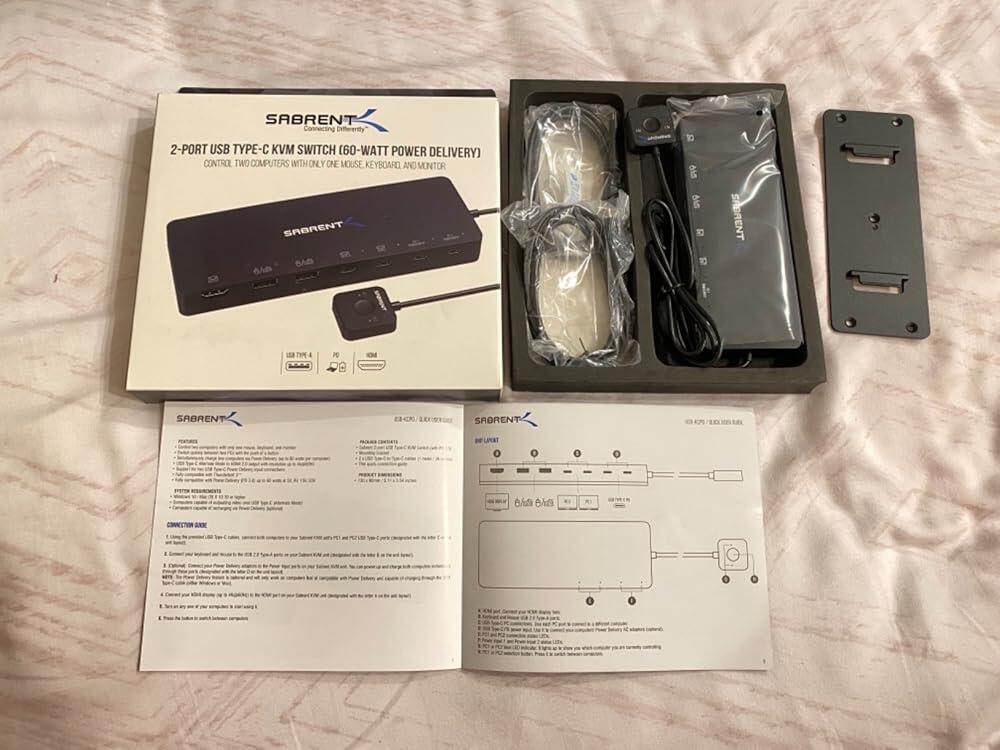
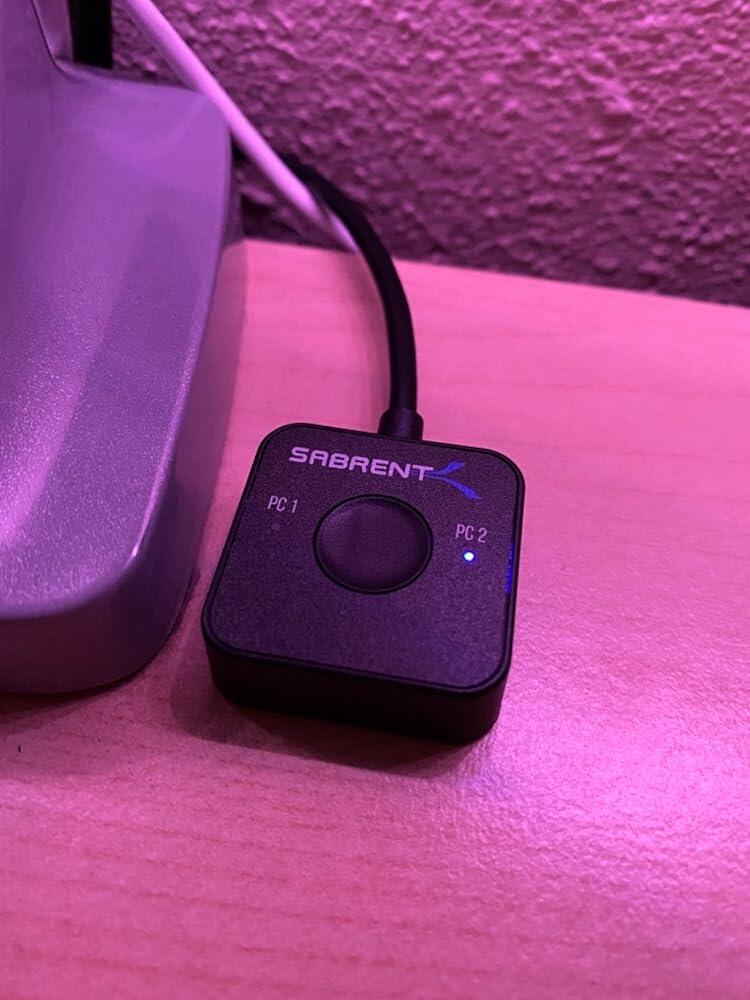
Pros: easy to set up. includes 2 USB type c cables. Reasonable price for a KVM. Slim form. The small switch has a magnet on the bottom. Nice touch...i have it seated nicely on the base of my Dell Monitor.Cons: included cables are a bit too short. I had to really push my set up together to get it to reach between both computers and 2nd monitor. As other reviewers said would be nice to have a few extra USB 3.0 slots for peripherals.My setup is an iMac 27 Retna display, 2nd monitor (Dell U2719DC), and a Surface 3 Laptop.
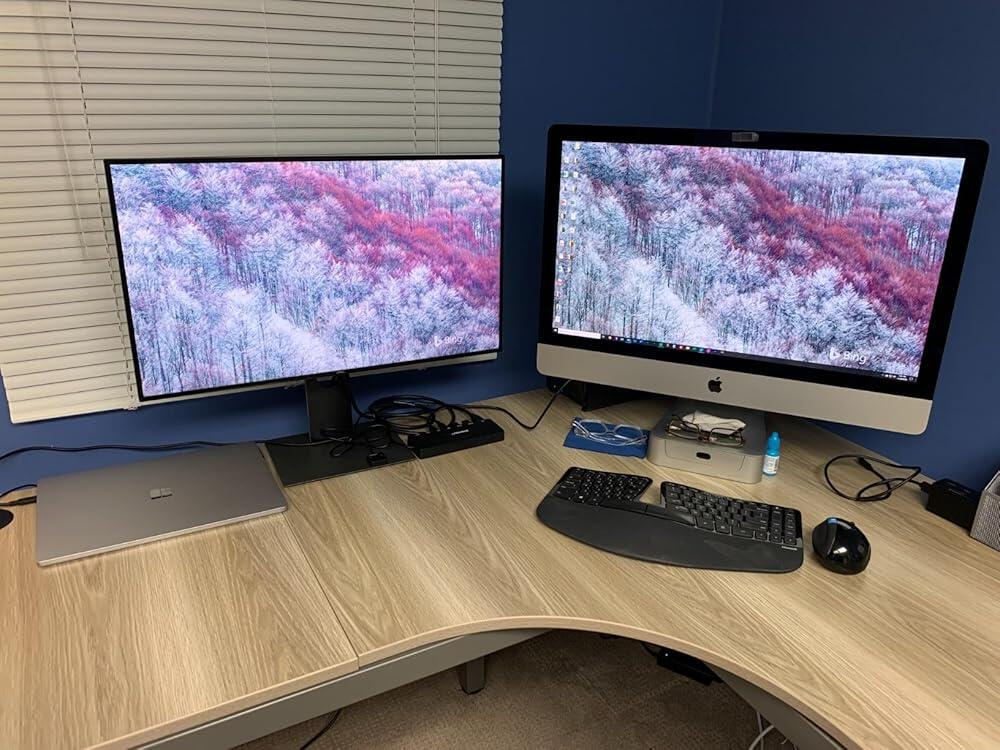
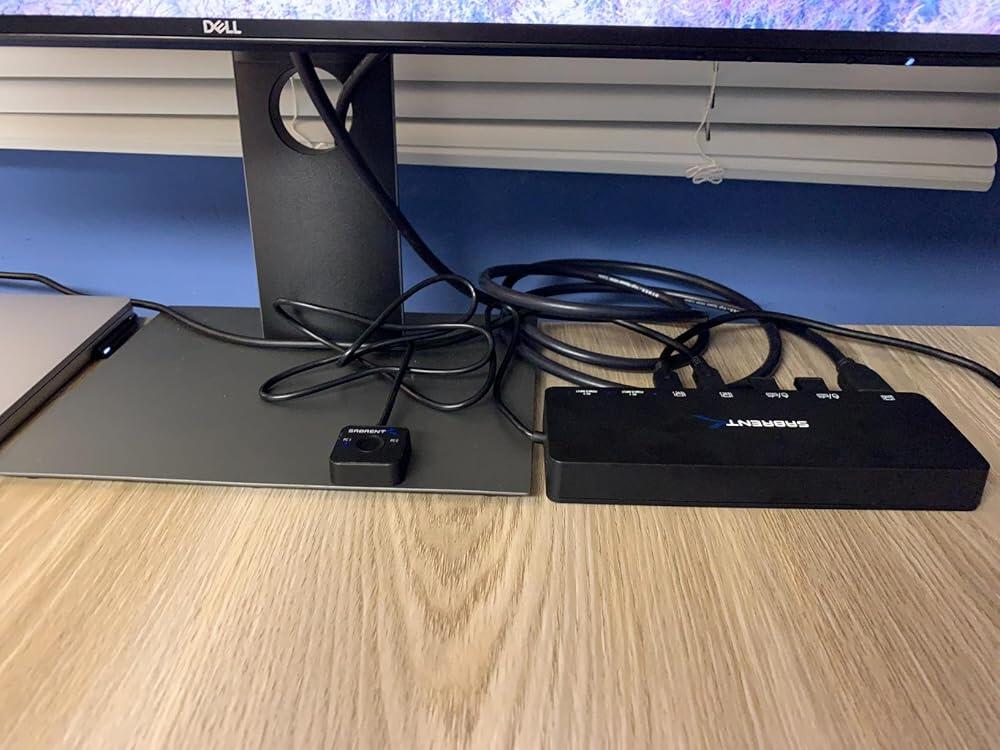
This product is highly recommended to those users who are doing multi-tasking. Easy to setup and minimalist style.
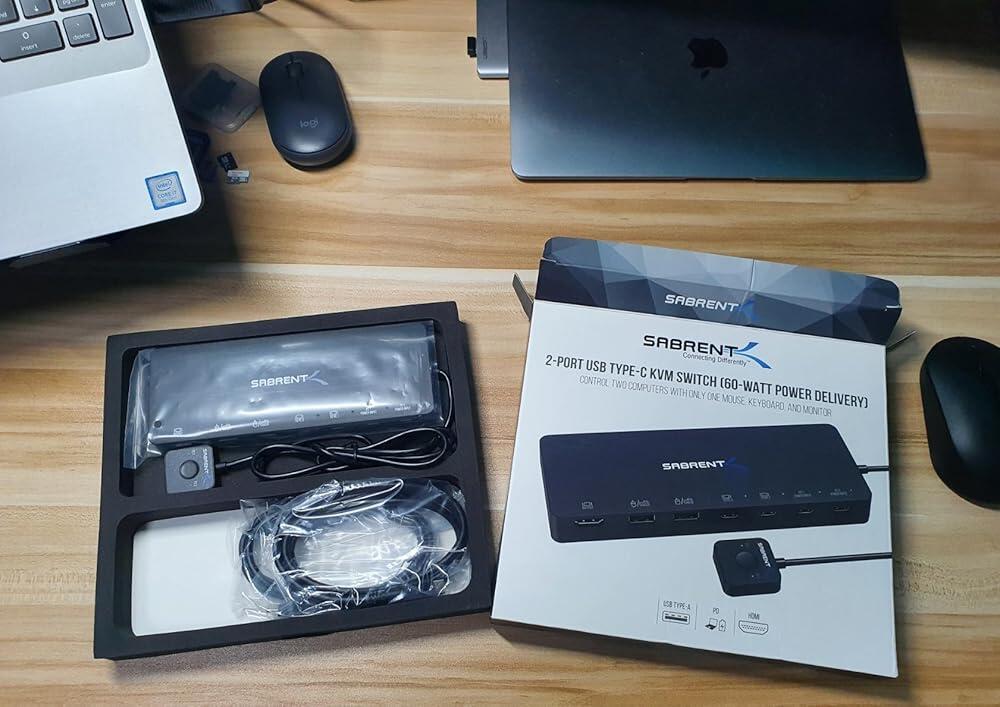
It's so hard to find ThunderBolt hub + KVM switch. This product provides both functionalities I want, and I couldn't find any other brand or product on Amazon or NewEgg that compares to this (LMK if anyone knows).Resolution reached 4K 60Hz (tested with testufo.com), and it doesn't have the weird color mapping compared to connecting Mac Mini with HDMI directly. After using for 2 weeks, it's been perfect so far. I mounted it under my table.My setup:- MacBook Pro (2018)- Mac Mini (late 2018)- LG 27UD69P-W UHD Display- Ugreen Super High Speed HDMI cable- USB Keyboard- 1:4 USB Hub
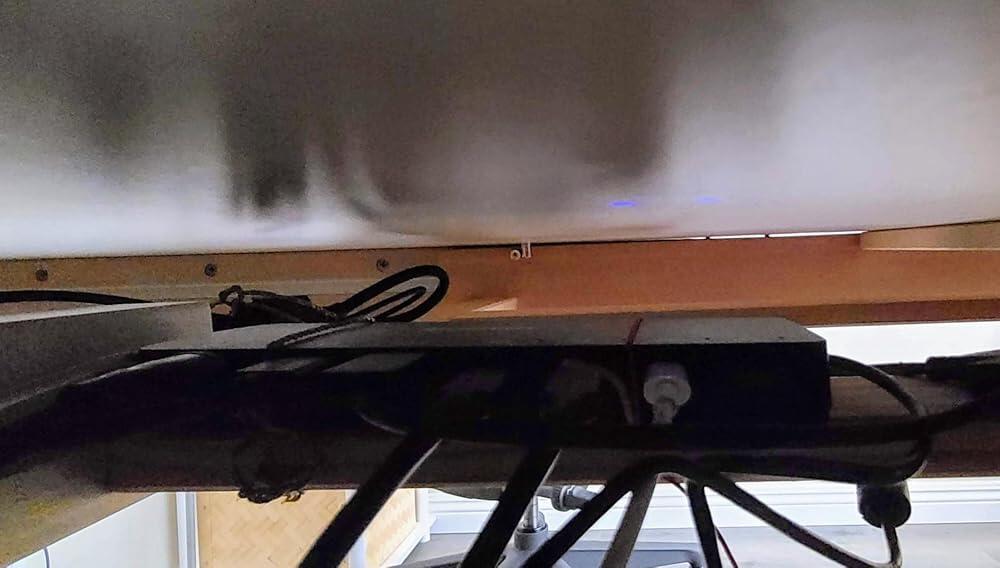
It is functioning very well right now for around 1 month. I am using with Windows 10 and MacBook Pro 13 and sharing Logicool keyboard + mouse and Jabra headphone occupying 2 USB ports.Hope this information would be beneficial for those who are searching information similar with my set ups.
Ich habe mich spät für diesen KVM-Switch entschieden, da wir ja mittlerweile im zweiten Jahr der Pandemie sind und ich diese Lösung schon viel früher hätte forcieren müssen. Ich benutze den Switch um zwischen zwei Laptops hin und herzuschalten, einmal privat und einmal beruflich. Beide teilen sich den Monitor VG2440V von Viewsonic, der mit Kamera, Mikro und Lautsprechern ausgestattet ist.Mit dem Setup bin ich durchaus zufrieden. Das Hin- und Herschalten funktioniert zügig, die Haptik des Umschalters ist gut. Der Anschluss der Geräte erfolgt über USB-C, was ich als sehr angenehm empfinde, da deutlich weniger Kabel benötigt werden. Zusätzlich zu den Eingängen für Bild+Ton besitzt der Switch aber auch zwei USB-C-Eingänge für die Stromversorgung. Pro Gerät steht jeweils ein Eingang zur Verfügung, geht wahrscheinlich nicht anders wegen der Stromspannung.Warum ich einen Stern abziehe ist die Tatsache, dass ich Maus+Tastatur über den USB-Hub am Monitor betreibe und vom Hub am Monitor an den USB-Steckplatz vom Switch führe. Hierbei beobachte ich in unregelmäßigen Abständen Reconnects der Peripherie-Geräte, was gerade bei Eingaben auf der Tastatur recht nervig sein kann. Bisher sind es aber nur temporäre Beobachtungen.Ansonsten bin ich mit der Lösung aber sehr zufrieden und finde Sie preislich sehr attraktiv.
He comprado este KVM para poder conmutar entre mi ordenador personal de sobremesa (con thunderbolt 4) y mi portatil del trabajo (con thunderbolt 3).El producto funciona tal y como se describe, sin mayor problema. En mi caso personal, uso 2 pantallas y este KVM solo tiene una salida, por lo que la segunda pantalla la tengo conectada a ambos ordenadores, uno con HDMI y otro con DisplayPort, y si quiero cambiar de un ordenador a otro, a parte de darle al botón del KVM, tengo que cambiar la entrada a utilizar en la segunda pantalla.Sería estupendo que comercializaran un modelo superior a este con 2/3 salidas de video, salida de audio y cable Ethernet.El cargador del portatil del trabajo lo he conectado al KVM y el portatil carga correctamenteAl dar el botón del KVM la transición de un ordenador a otro se hace de manera bastante agil y consistente, veremos si con el tiempo sigue funcionando tan bien.
Worked great for its intended use for just under a year until it quit switching. Now it passes signal through channel 1, but won't even try to switch to channel 2. I've submitted a support ticket to Sabrent to advise on how to fix or replace under warranty. I will update this review based on their response.
It's what I need to switch between my work laptop and my mac mini, there is a lag time when you switch between equipment but it's works.
Not only did this live up to its description, and was plug and play, it included a wall bracket that moves it out of the way and cleans up your desk space.
Very handy to switch between 2 usb -c devices. Had 2 usb A ports for a keyboard and mouse. Also supports charging via usb-c.
It worked with my Mac MPB M1 & Dell PC Windows 10. Originally, the PC did not work as the old PC did not have USB C Alt mode. After the customer service told me that the PC would require Alt mode, I purchased a Pc with USB C Alt mode. It worked very well with my Mac and PC. I also used Logitech mouse and keyboard to run multiple units! It really helped consolidating dual systems.
I was looking for a solution to share an external monitor and a USB hub between a Mac mini and a docked laptop. This thing definitely feels like cheap plastic but so far it does exactly what I want it to. The included USB-C cords (two, fairly short) are a nice touch as it seems like a minefield making sure you get the right ones for charging.Here's what I have tested it with:- I have all my peripherals (keyboard, mouse, audio interface) connected to a USB hub that's plugged into the KVM switch. I was uncertain whether daisy chaining the hub off the KVM switch would be okay but it seems to be working fine. I am using an externally powered USB hub for what it's worth.- I have a 2018 Mac mini plugged into one of the inputs. I had previously had it hooked up via HDMI but it's working great over USB-C carrying both the display signal and USB.- For the other input I have tested both with a 2018 Macbook Pro and a 2021 M1 Macbook Pro and they're working great. It's just the one USB-C cord for the display, USB, and power. Perfect!What I have not tested:- I use an external audio interface so I have not tested getting audio out of the HDMI. When I was doing research it seemed like this would probably not work.
At the $200 list price I'd consider this expensive but still the best choice I've found. At $100 it sells for here, I think it's also a good value. I don't make use of its power delivery feature as I prefer to power my Lattitude and MacBook Pro directly from their respective bricks. Those laptops then power this KVM switch via their USB-C cables, which in turn powers my common keyboard and mouse. The Sabrent's "power inputs" may both remain unconnected. HDMI conveys the chosen video to my common WQHD monitor. The remote pushbutton allows me to tuck the switch unit and cables back out of the way and conveniently locate the toggle control. I've been using this a couple weeks so far and very pleased with how it works.
I have one laptop with a thunderbolt port and not much else. I'm using this device to switch between a personal laptop and a work laptop. I have a wireless keyboard/mouse combo on one dongle, leaving one USB port on this device free. I've attached a 4-port USB hub to that spare port. I have a camera, a printer and two spare ports on that hub. It works fine. I'm giving the product 4 stars only because it would have been very easy to have a couple of extra USB ports on the device itself to switch between the two PCs and this is not part of the feature set. The KVM does not have that, but if you can get keyboard and mouse into one USB port as I do, the device does seem to support putting a USB hub on the other port.
Works connected to a Dell XPS9360, and a 2019 Macbook pro. USB C Charging works. 4K @ 60Hz works as advertised. Sound works too. USB peripherals work.The button switch comes with a little magnet, which allowed me to hook it up under my desk, which was unexpectedly nice.Switch speed is a little slow (which makes sense, it is disconnecting & reconnecting to another computer), but 5-10 second wait is way better than manually switching cables.
Made my work/private computer setup so much simpler, nothing else to say, it just works
If you need to use a single monitor, keyboard, and mouse with 2 computers and don’t want to constantly swap around plugs, this switch is for you. I tried 3 different KVM switches with 3 different computers before this one, each with limited success. This is the only switch that did not have some sort of video quality issue with at least 1 of the laptops. Also, I connected a trackball with programmable buttons and it works perfectly (I’ve read multiple reviews of different KVM switches that report issues with specialty trackballs and mice, no issues here). It can also serve as a pass through for power for one or both of your computers. And finally, I love the wired switch — the KVM can be hidden away. Good product all around.