



- 5 stars: 53 (84%)
- 4 stars: 7 (11%)
- 3 stars: 1 (2%)
- 2 stars: 1 (2%)
- 1 star: 1 (2%)
works great as expected
There are better
This switch is automatic it detects the computer that is online
Works well. Great for the price.
as described. easy to set up and use
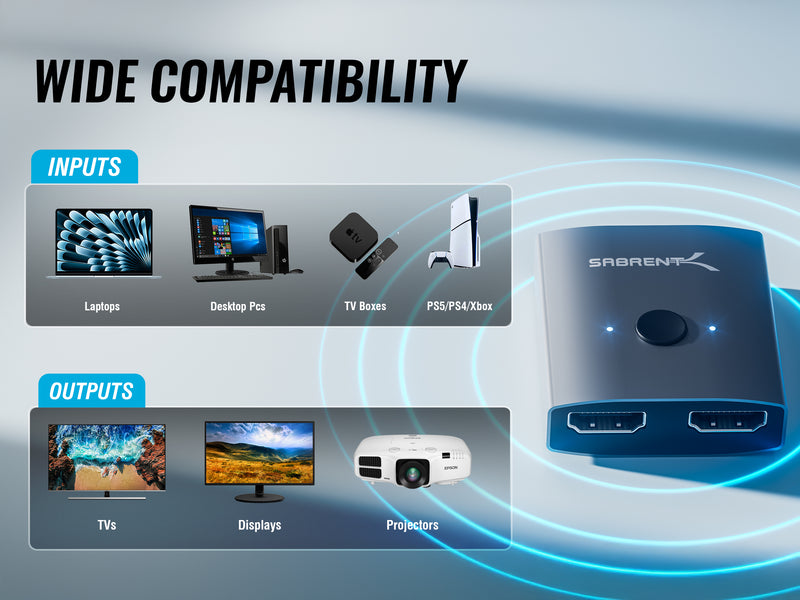
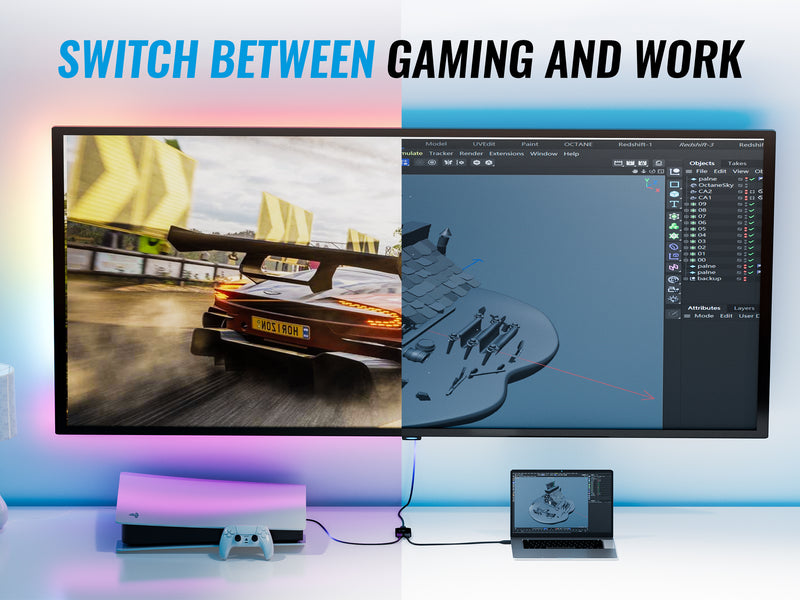
The best of the best... I Have three devices and works perfectly... one of them is connected to my ps4 and ps5.. the other ones to my pc and media center... works perfectly
ok
amazing cheap alternative to a dock station. obviously not a doc station so you cant plug everything in it, but it connects my two monitors to my laptop perfectly and its not a mirror view, i can use all three monitors for seperate sscreens
It works as advertised but if using on a MacBook pro trying to use 2 external screens it doesn’t work like that. It will have both screens mirror same imageZ
I have a pretty new HP Laptop (Windows 10). All I got a was error messages popping up about every 10 seconds indicating the device was not supported. I’m sure it’s a good product but was not compatible with all HP like it said it was.
easy to use
It's always a risk not knowing if cords like these are compatible with your computer. I have a Lenovo Legion laptop. I plugged in two external monitors and it worked immediately. The quality of this cord is good. Seems sturdy, not cheaply made.
Product works as advertised. One thing I definitely noticed is how sometimes it will make your screens split in half. To fix that, you just unplug the thunderbolt port from the PC and plug it back in.
From the reviews and videos I have watched this is a great way to have 2 HDMI monitors working along with your laptop screen; total of 3 screens. However, Lenovo has apparently limited their Thunderbolt 3 port so you can only have 1 plugged into the Sabrent device and 1 plugged into the HDMI port on the t490s by providing a less powerful display port on some machines. This is completely on Lenovo and not Sabrent. I spoke with a Lenovo tech ad nauseam and we both came to the same conclusion. My laptop has a 1.2 display port, but you would need a 1.4 display port to run two external high resolution displays. This means buying a new laptop. Now, I have found that unlike other products I bought before the Sabrent splitter, you you can plug 1 external monitor into the Sabrent device and 1 external monitor into the on board HDMI port. This gives me both 2560 x 1080 on the external monitors (I have to 32" curved LGs with G-sync), and the standard resolution for the laptop screen at 1920 x 1080. I don't like it because it adds more points of potential failure, but will take what I can get for now. The $79 I spent for the Sabrent is still cheaper than a $250 to $300 docking station, if one existed to supply my needs, or buying a new laptop. I hope this helps anyone else struggling with their Lenovo t490s.
Can not complain and works well
Awesome product. Works like a charm. Plugged in both my monitors and it detected them immediately in the correct resolution. I tried a regular USB adapter and it only supported the correct resolution on one monitor and everything was lagging on the other. No issues with this one at all.
Works great. helpful instructions.
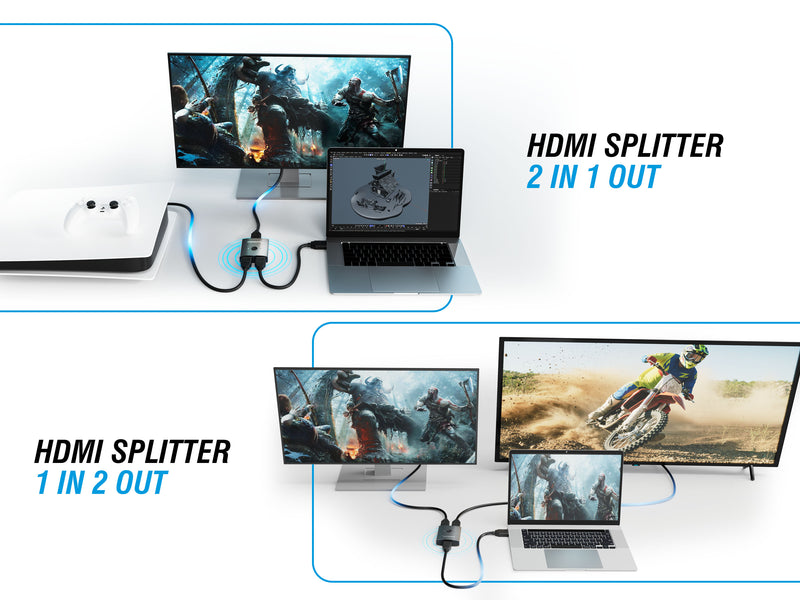
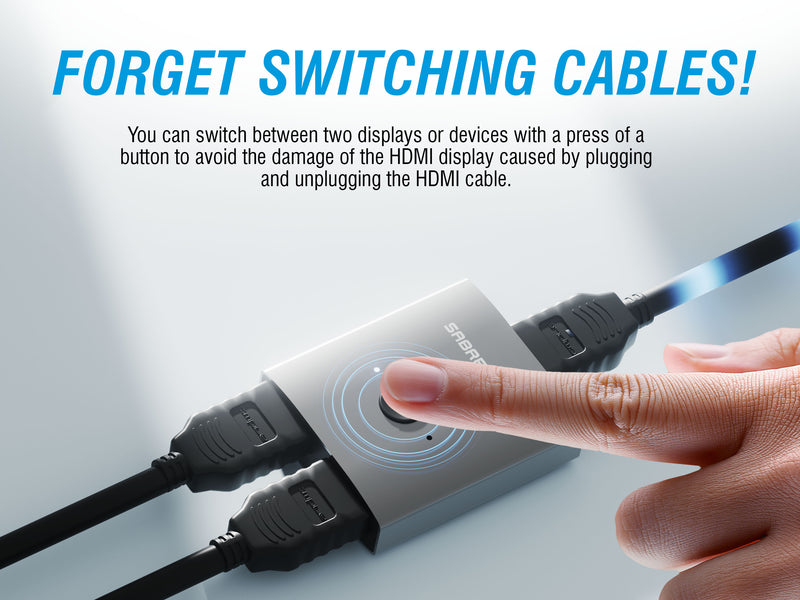
My TV has two HDMI ports; I have three HDMI devices. I use this to allow my FireTV Stick and my Blu-Ray player to both be plugged into one port on my TV. I used a small square of Velcro tape to attach it to the back bottom corner of the TV, so I now just have to reach around the corner and push the button by feel. Easy peasy lemon squeezy!
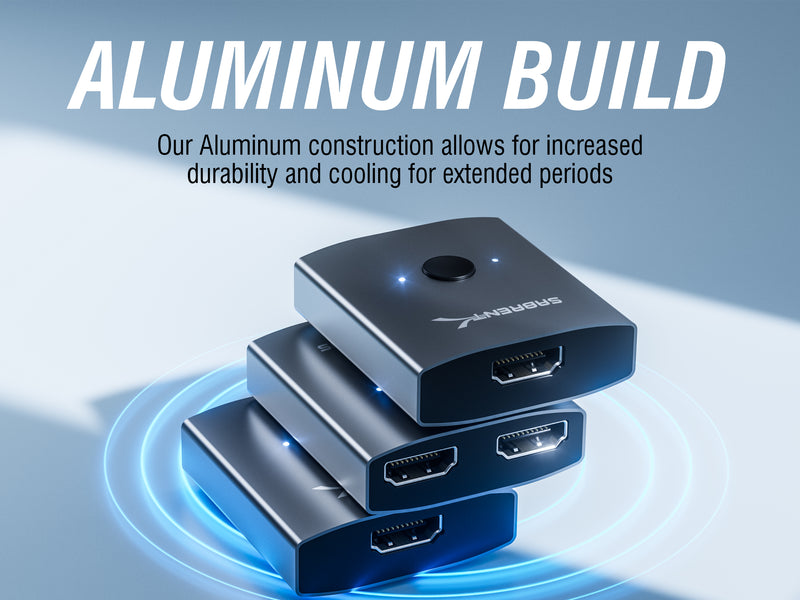
It was time to get a second monitor for WFH so I can keep less use windows on a second screen so I don't have to keep lowering and raising windows when needed.This device is much smaller than I thought, which was a bonus to me. Only about 2x3 inches. It does get warm, even when not in use, so I hope will not lead to shortened life.I use this on a 34 inch LG monitor at 3440x1440 horizonal with a 24 inch acer monitor on 1920x1080 vertical. No issues.I am not using these for gaming, so I cannot attest to whether it handles high end graphics or refresh rates well. I am strictly using it for applications in a WFH setting.
Do read the notes since your system has to have a few seconds to recognize the adapter BEFORE plugging in your monitors. You need about 30 seconds between each step. Very easy set up. I didn't need a fancy docking station like I have at work because I'm migrating away from everything paper. So really just needed an adapter to allow me to expand to two monitors. Make sure that your laptop (tower) has expansion capabilities. I have this small plug and play adapter and a dongle to set up my wireless keyboard and mouse (combo set). No more wires everywhere. Simply unplug and you're portable again. Hoping that it stays working because this is the way to go if you're working remotely.
Worked as promised. Took a couple of tries to hook up, but it did work. The instructions say to wait 30 seconds in between connecting the monitors. After trying four times, I waited a little longer and that allowed for the laptop to recognize the two monitors. The two monitors plus the laptop monitor are in extend mode working great.
Works great at a great price.
Works great
Worked just as you would expect for connecting two monitors from my laptop but the sound is only coming from the laptop to one of the monitors. I haven't researched this at all and there may be a fix but have not had time to investigate. Other then that would have given it 5 stars
I used this for all of 10 minutes. It is not externally powered and as such wasn't suitable for my needs. Its an excellent product over about 2 metres. I needed it to operate a 9m hdmi cord and it couldn't. I had to purchase a powered splitter to achieve this. Its still an excellent product with a very high build quality. Very recommended.
No Issues
I liked the fact that I now have the Ability to use two monitors without going through my Docking station.There was a Video issue with porgeCAD software, the software wouldn't load while connected to my Docking station. This HDMI adapter solved my problem, the CAD software now works fine.Thank You...
I needed to hook up a second monitor and this device did the trick! Simple to use and connect. Absolutely no problems!
This dual HDMI allows for the use of a total 3 screens; Mac, plus two external. Unlike other devices, this allows for separate screens on the external and not just mirroring. Great buy!
Nice plug n plat product works great
I use it to present our fantasy football auction results (EXCEL spreadsheet) to multiple TVs in our house.
I used this for a DIY 3 screen setup for my laptop and it worked better than I could have hoped for!