The DS-SC5B is the best multi-bay storage enclosure I've purchased.Things I love:(1) It feels very well made. The outer frame is made of a ~4mm thick aluminum plate(2) It does near 10Gbps speeds which is rather difficult to find for multibay direct-attached storages(3) It's a tool-less enclosure. No screws or strange proprietary mounting clips needed.(4) You can pass through another usb-c device through this enclosure if needed(5) Each drive bay is hot-swappableThings I don't like (but not deal-breaker):(1) The fan is very noticeable. I've had a mediasonic and terramaster enclosure. This thing is louder than they are.(2) No smart-fan. I really wish the fan would speed up or slow down based of the enclosure's internal temperature.(3) Drives can take a while to boot-up from a cold boot. Sometimes you'll also need to unplug and replug the usb cable to "jump-start" the drives being detected.(4) Provided cables are short.Things I wish they would implement in a future revision:(1) Smart fan(2) Master power button for enabling or disabling ALL drives. There is a master power-switch towards the back, but that is only for killing power or not. I would like a master power button to toggle all the HDDs on or off.
sorprendió, recomendado
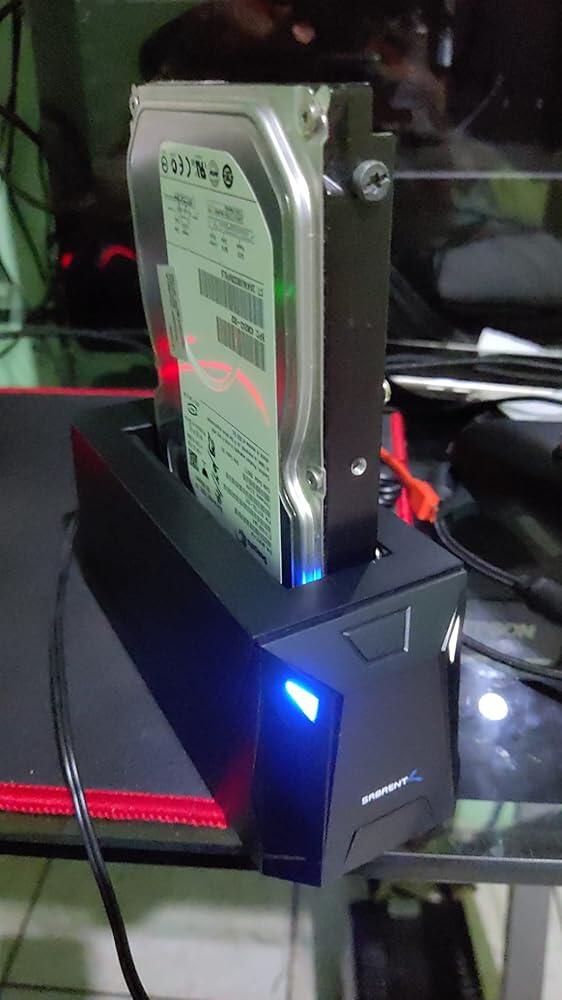
I buy the drive docking station of mark "SABRENT", Then that I received, I agree with the logistics, service, price-quality and delivery time. I must be fair and appreciate the attention provided and I will be happy to find products from the same line that meet my needs. Thanks
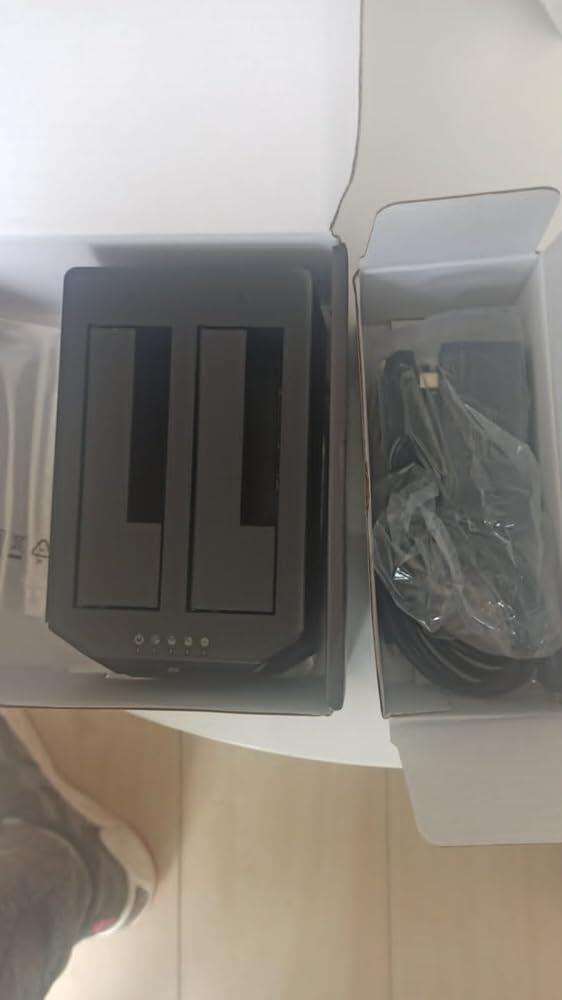
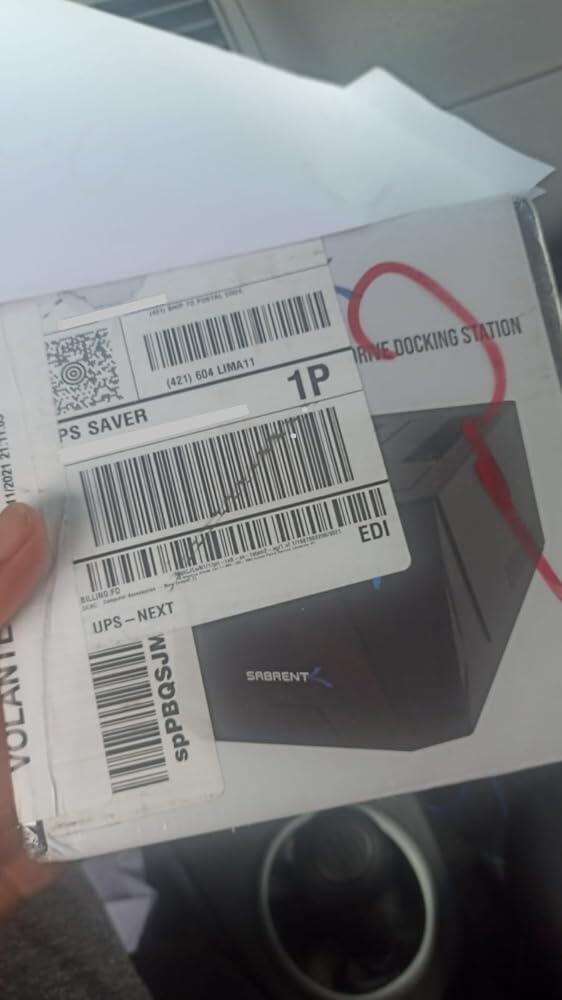
Best money cud buy and easy to use.
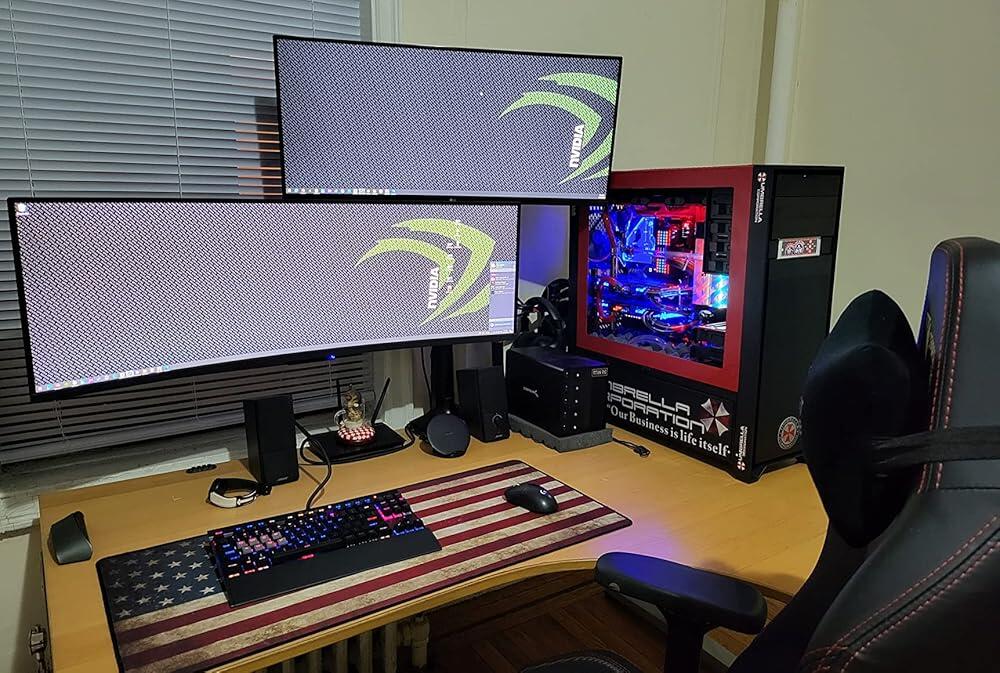
Good product
Works as specified great for using those old hdds that are just collecting dust
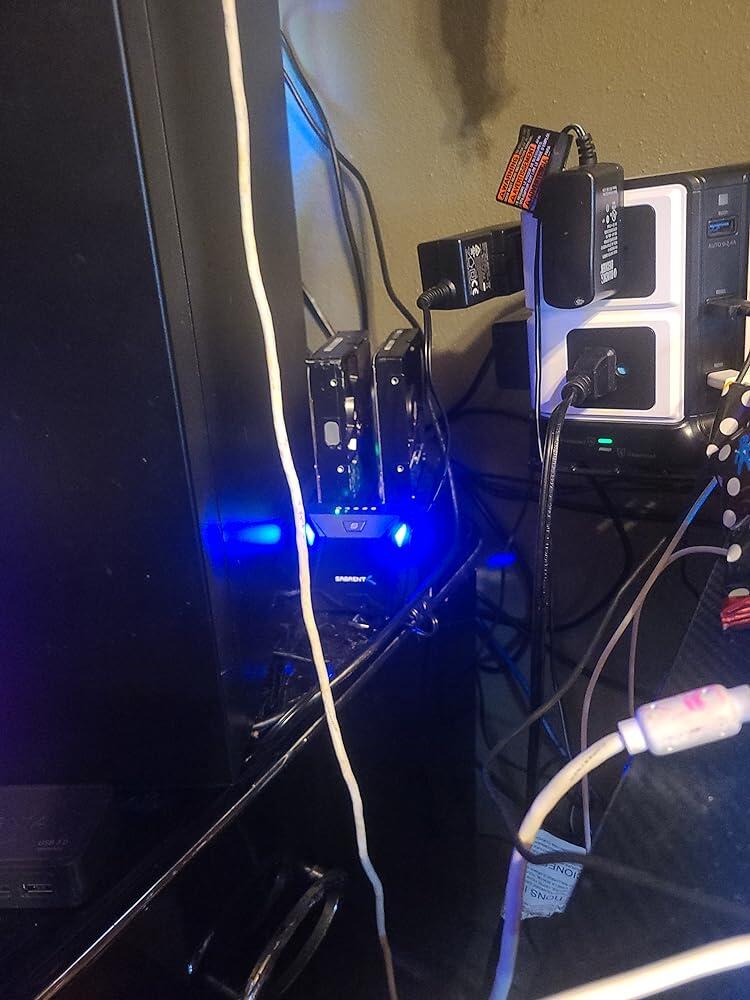
excellent
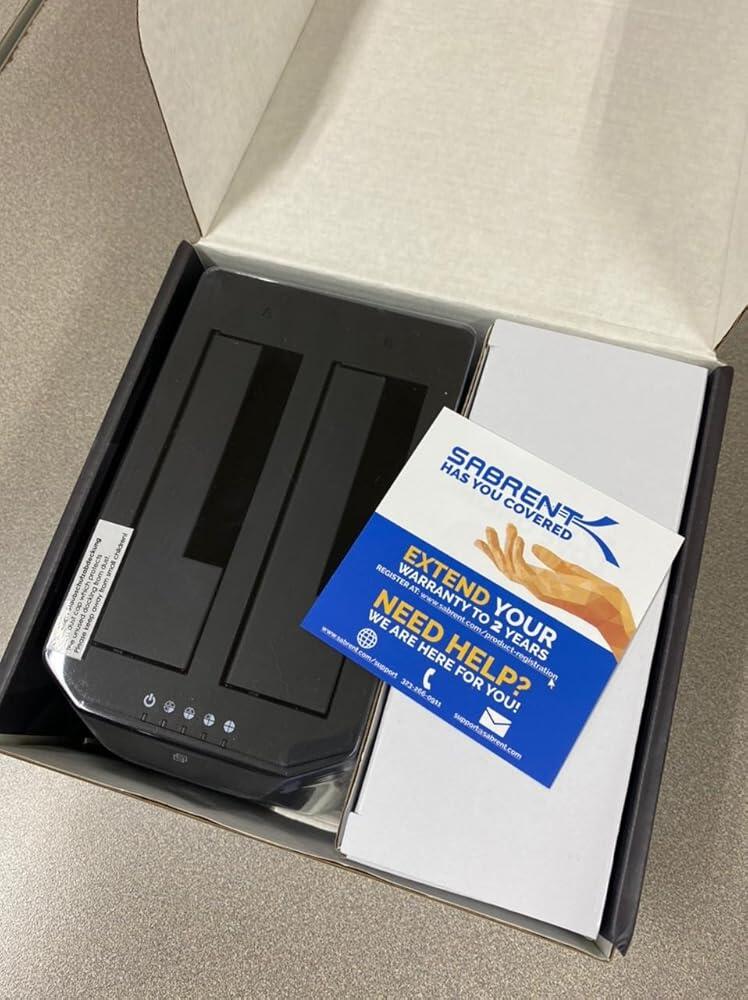
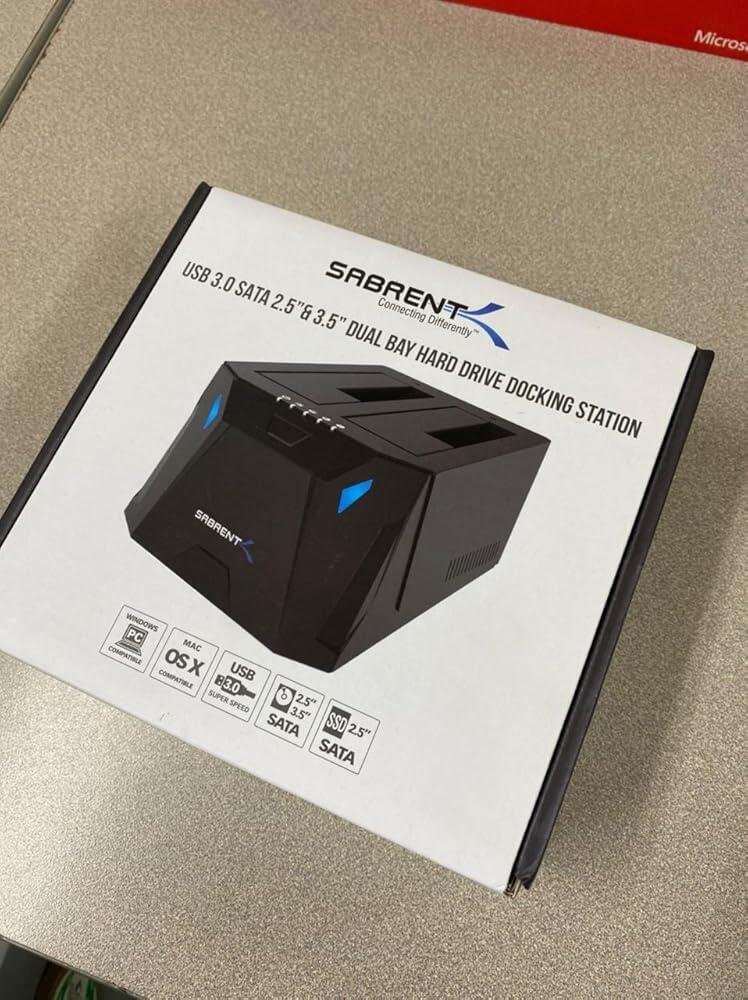
It is very strong because it is made of thick aluminum and is the smallest among 5-bay products. power supply is also built-in, so it is clean and fast.
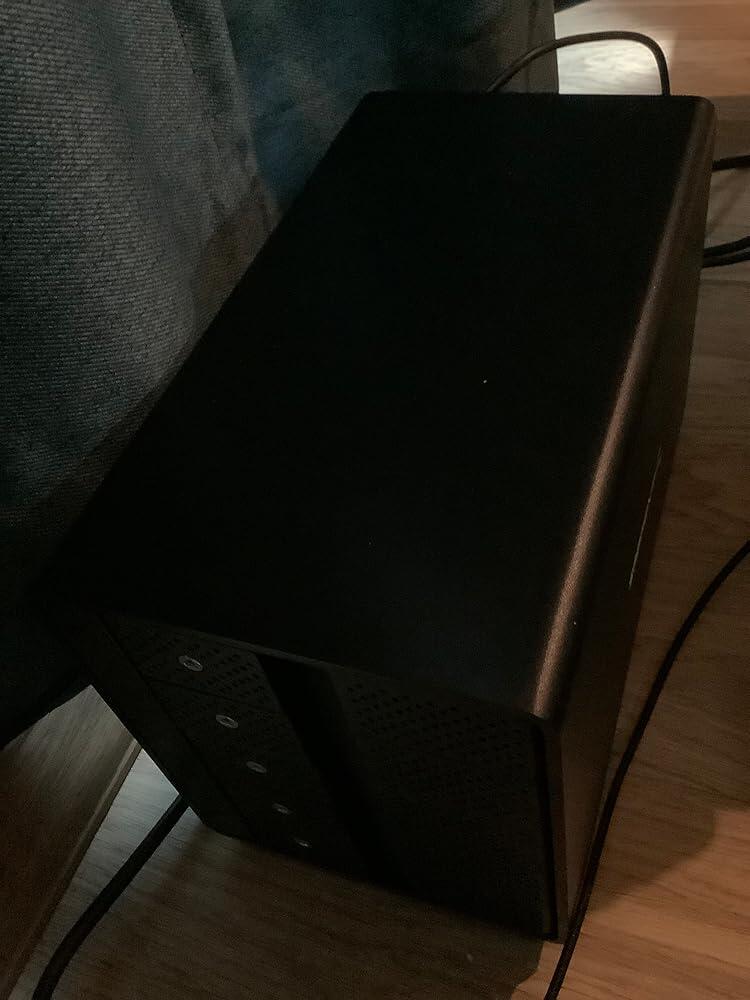
For a while, I had struggled with the data exchange rate and transfer speed of my two 500GB SATA storage hard drives using USB 2.0 connectivity until I bought this item. Windows 10 quickly recognized and installed the docking station seamlessly and issue-free. Data transfer speed is amazing!
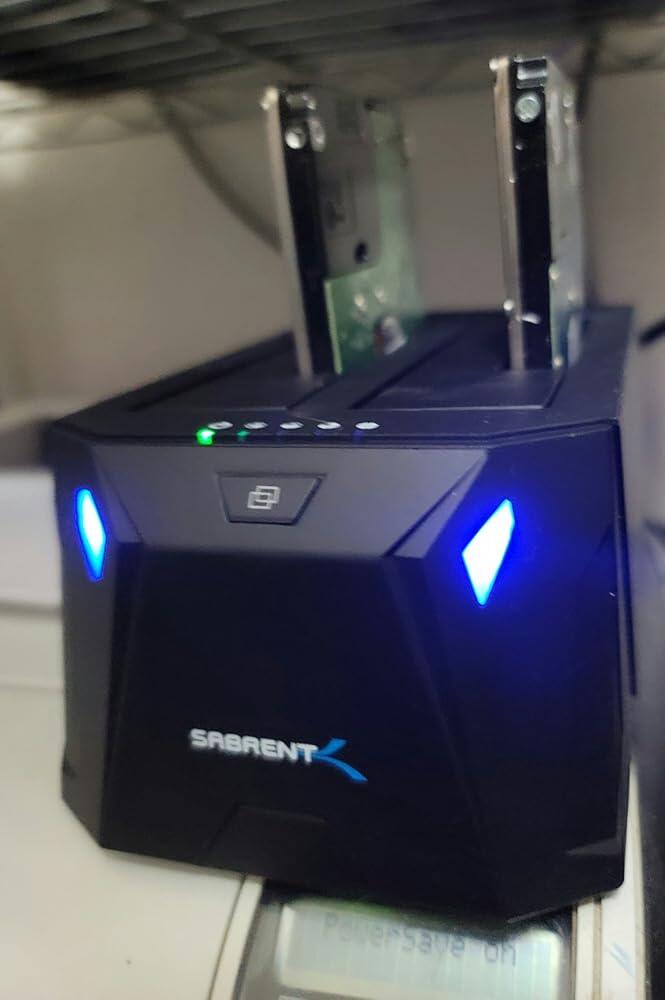
Easy to set up, and worked flawlessly with EaseUS to clone HDD to SSD.
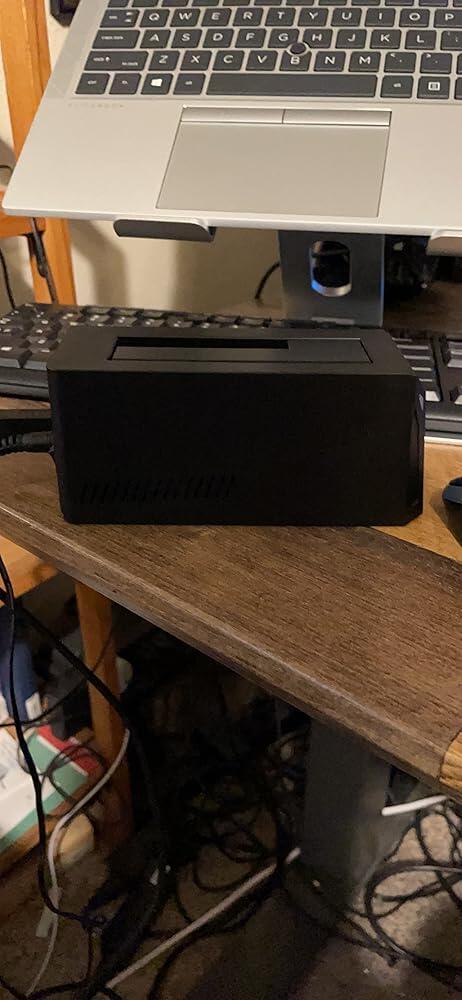
My home server was on its last legs, but harddrives were just fine. This little trinket gave them a second life.
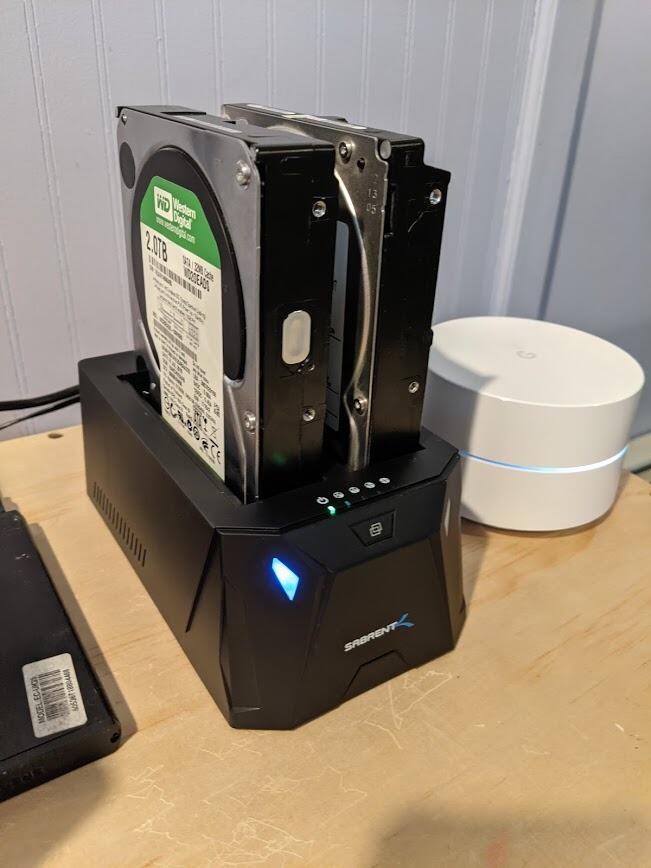
We live in a world where people try to encrypt our HDD through malware and make us pay a ransom. It is so easy to clone your HDD to another with the Sabrent external drive bay along with Acronis True Image. Note that Sabrent has a built in offline clone feature. I have not used it as I prefer Acronis True Image. Never worry about paying ransom again with this combination. Just clone your drive periodically and live your online life. I'd say more good things about Acronis and ransomware but I am not reviewing that product.
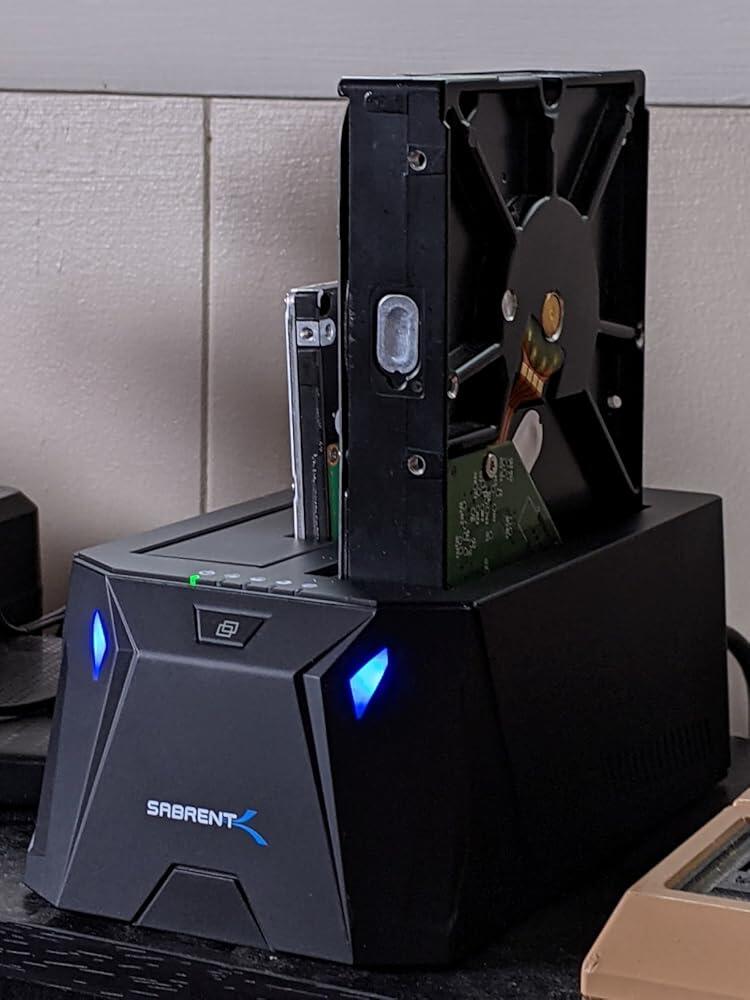
I've only used the "Off-Line Clone Function" and it works great! I pulled out my 1Tb. 3.5 Seagate HD and put it into the "A" slot, then put a new 2TB WD SSD into the "B" slot. I turned it on, got a green light, pressed and held the "Clone button" until a blue light came on, then released and pushed the button again and let go. The cloning time for about 500 gigs was about 45 minutes. You can even update an old hard drive with the drive you like and it will overwrite it. The cloned drive has to be the same size or larger. The instructions are simple but they don't say how to contact "tech support". This is a very 'cool' gadget!
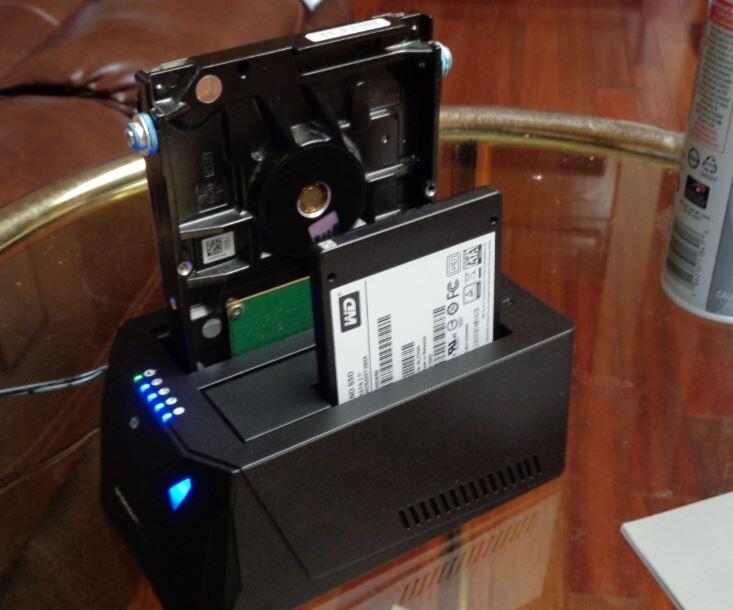
I have not used this to duplicate a drive. Instead I used this to access 4 x 3.5inch HDD and 1 x 2.5 inch SSD that I use for cold storage. It has been painless to use this.
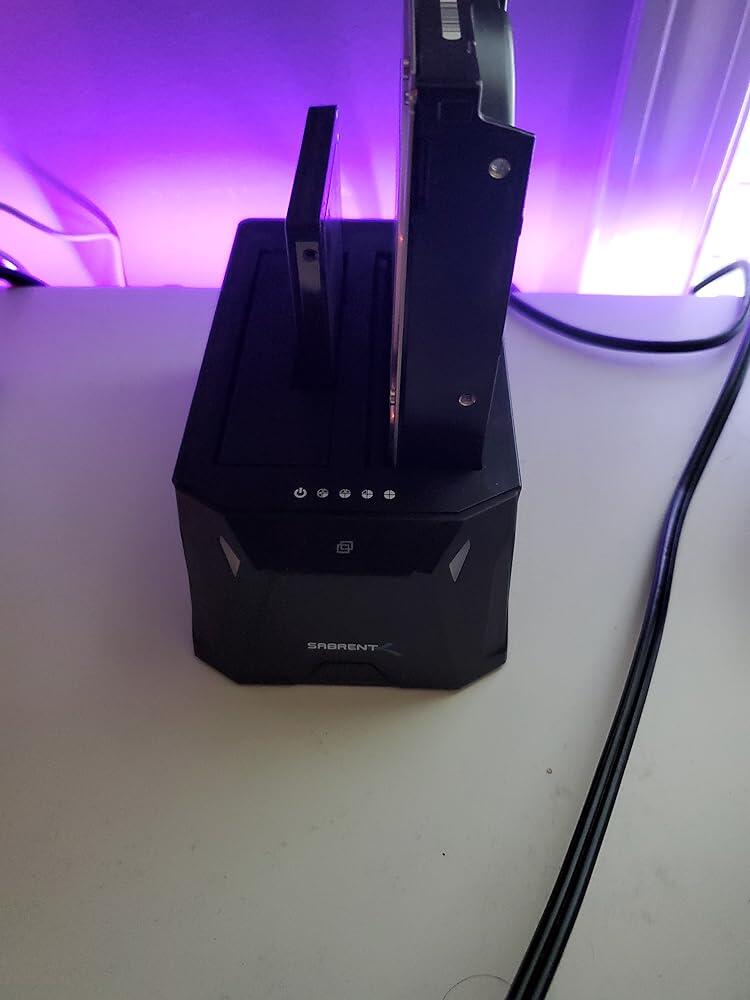
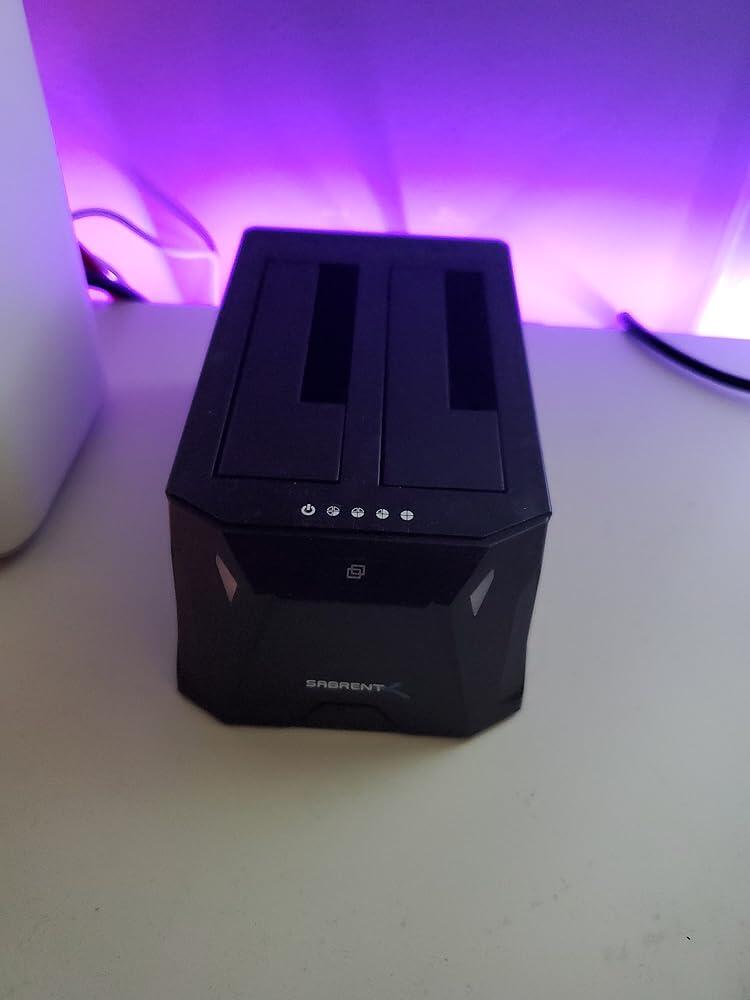
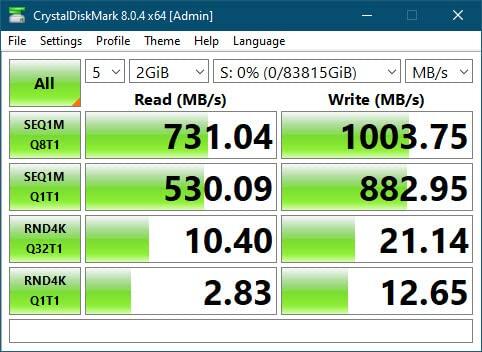
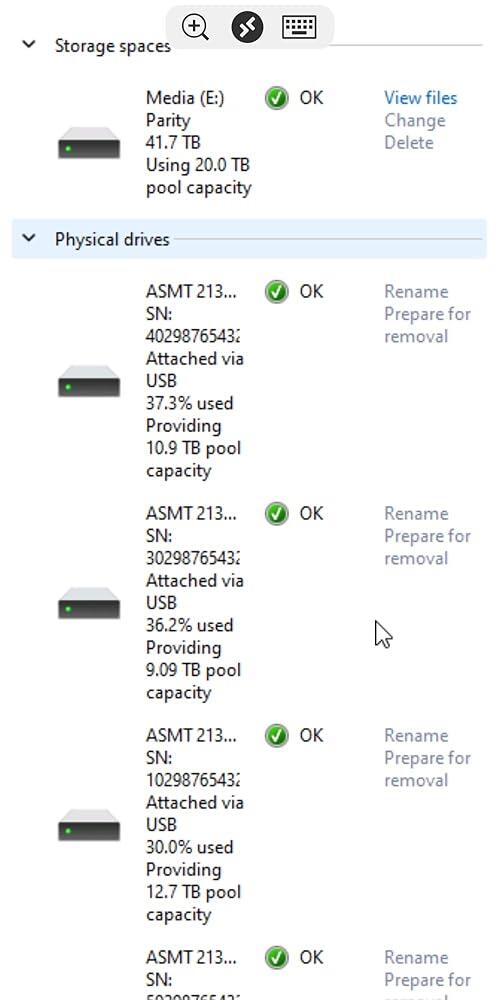
Initially was only writing from the dock station to another USB drive at 20MBs, then dropped to 3, then windows kept saying the drive was ejected, then recognized. I immediately turned it off, replaced the cable with a known working cable and then it stayed at an even 40MBs. The first drive I put in is a 8 year old 2tb WD drive. I then decided to see what kind of write speeds I would get from this rhing to my internal sabrent rocket Q4 M2 PCIe gen4 SSD. It wrote between 2.5GBs to 30GBs, transferring 12GB of data in roughly 4 to 5 seconds. By the time windows had time to calculate the remaining time there was only 2GB left to transfer. Anyone saying this thing is slow doesn't understand spinning drives being the bottleneck. This was plugged into an ASRock i7 tiger lake nuc on usb 3.2 USB ports that I suspect are really TB3 ports. Remember, this is reading from an 8 year old SATA3 drive. First pick is reading from sabrent dock to external USB 3 drive. 2nd pick is sabrent dock writing to m2 SSD. 12GB in 5 seconds is pretty impressive and maxes out the sustained write speeds of the m2 (NOTE: I FOUND OUT THIS WAS DUE TO DISK CACHING, which is enabled on all drives in the bay so those speeds are not the real transfer speeds). Even when I do a speed test of the m2 drive using sabrents software for the m.2 drive, it puts the write speeds at 1.5GBs and this wrote to the m2 SSD at a top speed of just over 3GB with caching enableds.It's much less when you disable caching. Don't use the cable in the box for anything outside charging your phone. It's garbage. I will post back after further testing. My plan is to shuck all my USB drives from their cases and stick the drives I to this as I have drives ranging from 2tb to 12tb.Update: disregard the video writing at 3GBs, I thought I had copied a file from one of the drives in the enclosure but 3GBs would be 30gbps. I still had a file on the m2 ssd so I was copying files from my SSD to my SSD which has the speed to actually read/write that fast. With that said when copying files to all 5 drives at once I'm getting around 170MBs on all five drives so it's still able to do 10gbps (1GBs). I bet I could get those speeds on a single SSD but spinning drives don't tend to have those speeds. Maybe a hybrid sad would also get those speeds. I'm running windows server 2019 datacenter (thanks whokeys). I've ordered some higher quality cables but my drives range from SATA 2 to 6 so obviously the SATA 6 drives perform better, but that is expected. I don't know if it was a fluke bit the first drive I put into this thing was a 2TB SATA 2 drive formated as FATex and it was corrupt after a day. Reformated it as NTFS and no issues yet but the drive is about 8 to 9 years old so it may simply be failing die to age and wear and year over the years. I currently have a 2TB, 3TB, 6TB, 8TB, and 12TB drives. The 6, 8, and 12TB drives were removed from Western digital elements external USB 3.0 drives. Some videos on YouTube say you ha e to put some electrical tape on the 3.3v pin but when I did this the drive wasn't detected. After taking the electrical tape off the 3.3v pin, the drive was recognized. I chose this as while I wanted a NAS (or some hardware raid support) I would have had to buy all new drives at the same size and Nas rated drives aren't cheap. Didn't really feel like using unbound as it would of required Linux from my brief research. Since this is all for plaex I'm able to store data across all drives so if one fails I don't lose any data. Personally this thing is whisper quiet although two smaller fans may have reduced noise. When copying data from an external drive the external drive would reach 50 to 55 Celsius while all drives in the bay ranged from 30 to 35 Celsius and only got to 35C when writing terabytes of data to the drive in the enclosure so it keeps the drives at a lower temp then when they are out of the USB enclosure and in this 5 drive bay so the cooling does the job, even when the drives are in heavy use. Ironically I've had the best speeds using the USB a to c cable. Will be doing some more testing when I get better cables that are coming today. I'm still not sure about the USB ports. ASRock has them all listed as USB 3.2 gen2 but they are all awaiting USB 4.0 certification. I also think the two USB C ports are really thunderbolt and ASRock is calling them USB to not pay intel as even asrocks drivers from their website include thunderbolt drivers. I will update again after testing the new cables.Update 3: Set up Windows Storage Spaces as a parity drive (software raid 5) and now I am getting consistent 300MBS read speed. Write speeds are a bit slower, but this is expected when running any sort of RAID configuration outside setting it up as a Software RAID 0 but if you lose one disk, you lose all data. Another fun thing I found out is if you are going to setup windows Storage Spaces, do it in PowerShell, NOT THE GUI. By default the GUI sets the column size to 3. When y...
This is for the 5 Bay DS-SC5BSeems to be very few docking bays with these features. I was looking for something I could keep a couple of data disks in permanently (synced together) and for which I could pop in offline backups and sync to them. I usually don't access these drives so need the ability to safely power them down the drives power when not in use, and it needed to have adequate cooling for hotter drives like the Seagate Ironwood Pro. I was also looking for USB-C with an integrated USB-C Hub.This appears well built - quite heavy, and works flawlessly so far. I have seen some say that if the drives are powered on and spin down (from the drive sleep timeout or the computer going to sleep), the fan spins down too. But that when the drives spin back up the fan doesn't come back on. I have not experienced this at all. If my computer sleeps with the on and the fan and drives spin down. the drives and fan spin backup fine. If all drives sleep spins the drive and fan down, and I wake it by accessing a file, the fan spins back up too. Now I don't use them this way usually, but it is good to know it seems to work properly.I have only used the integrated hub to power my phone and transfer files at low speed (phone is 480 Mbps), so I can't speak for the high-speed capability yet.Will update if I encounter any issues.
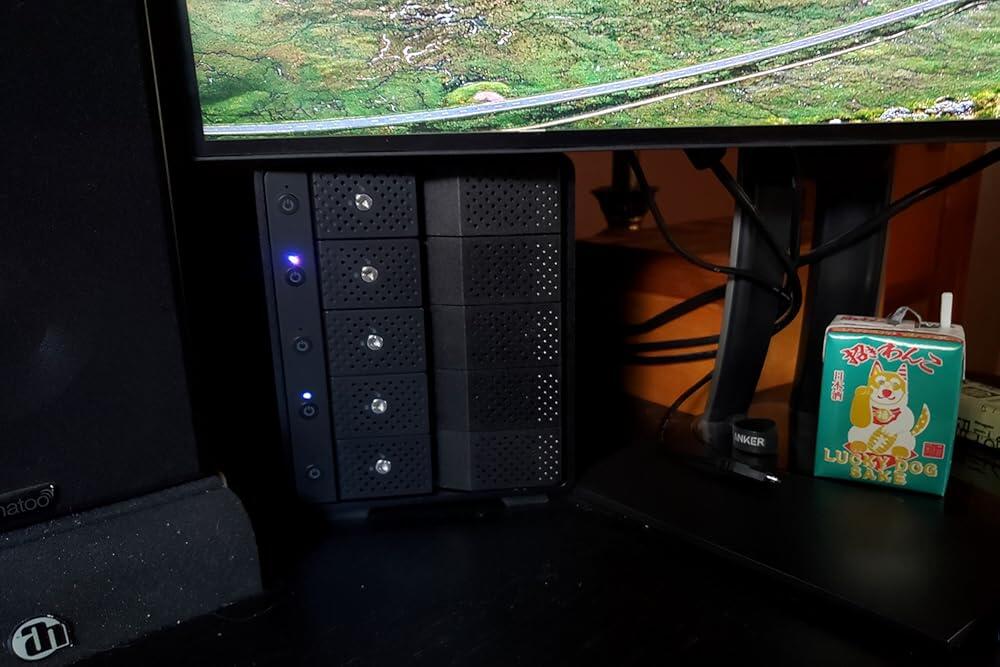
This is a super Docking Station, well built, Quiet, Nice Looking, and with Hot-Swap and individual power (off-standby-on) you can’t beat the features. I was worried when I bought this because I have 14TB and now 16TB EXOS drives for a server I have and this baby eats them right up with absolutely no issues at all, no firmware update needed, no intermittent operation or total drop outs, love this station. I’ve used it for NAS drives, high performance desktop drives and of course the high-end EXOS server drives. Also the LEDS are not over-bearing bright and offer a very nice status of operation, which bays are active, off in standby, or totally off. I’m going to get a couple more as they add great convenience to media migration between my workstations and server.
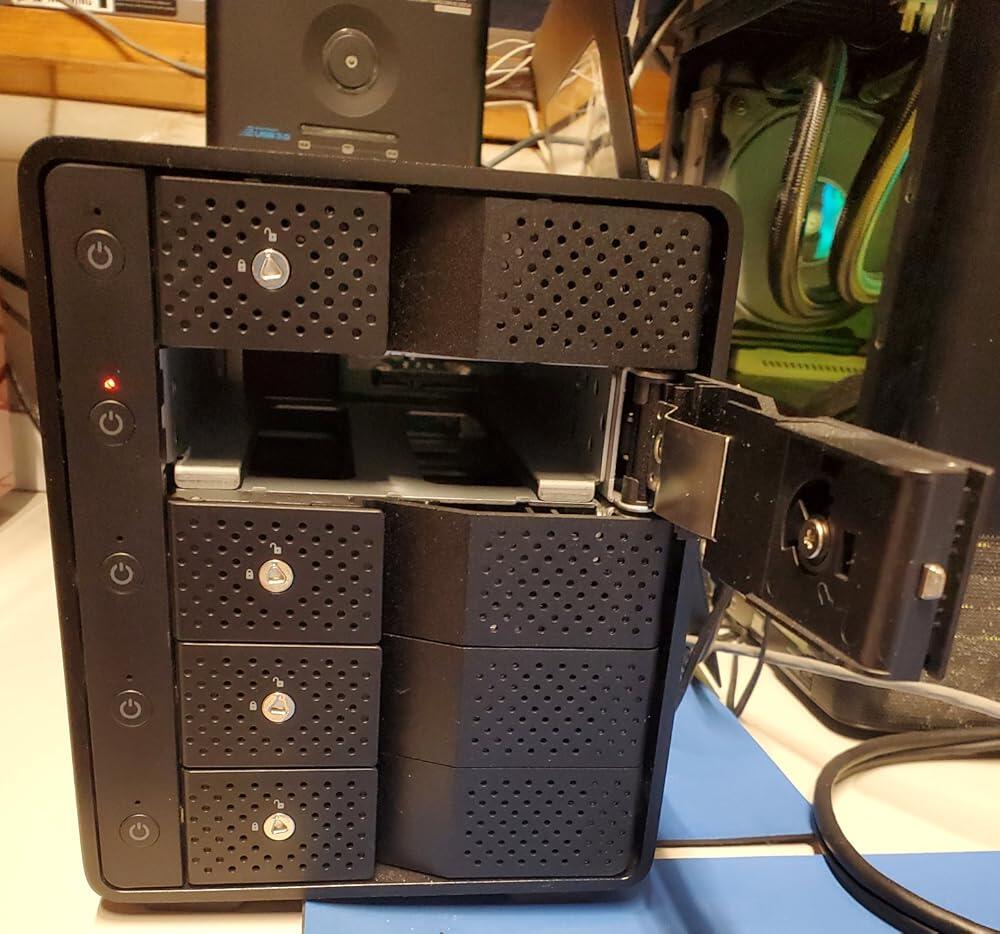
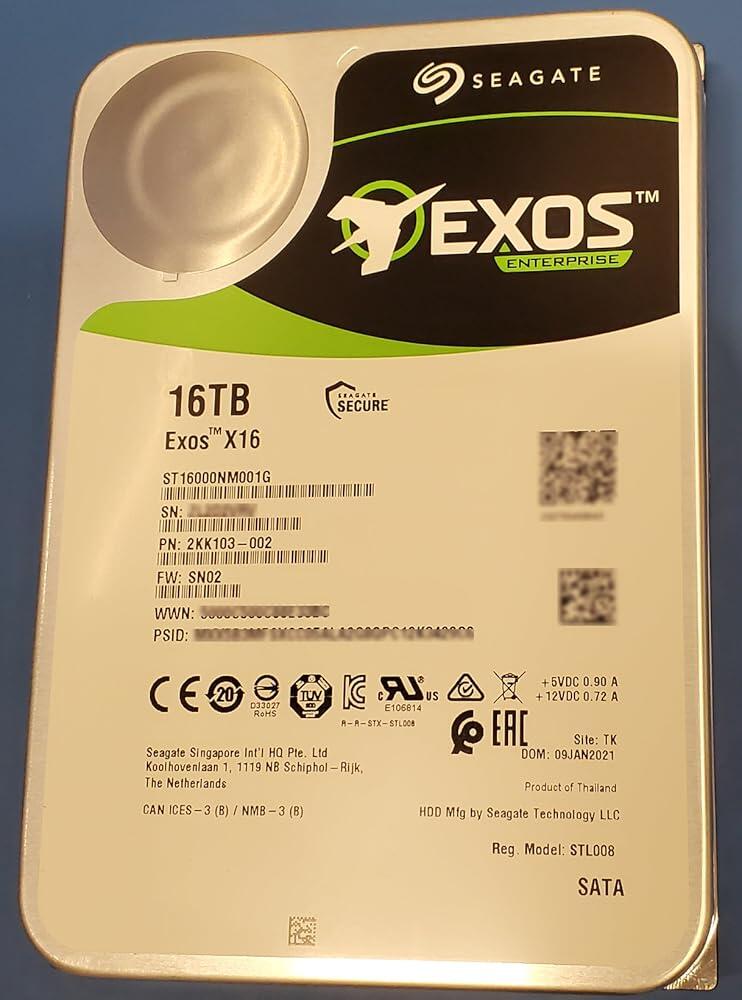
Easy to use, doesn’t take up space and works with ps5:)
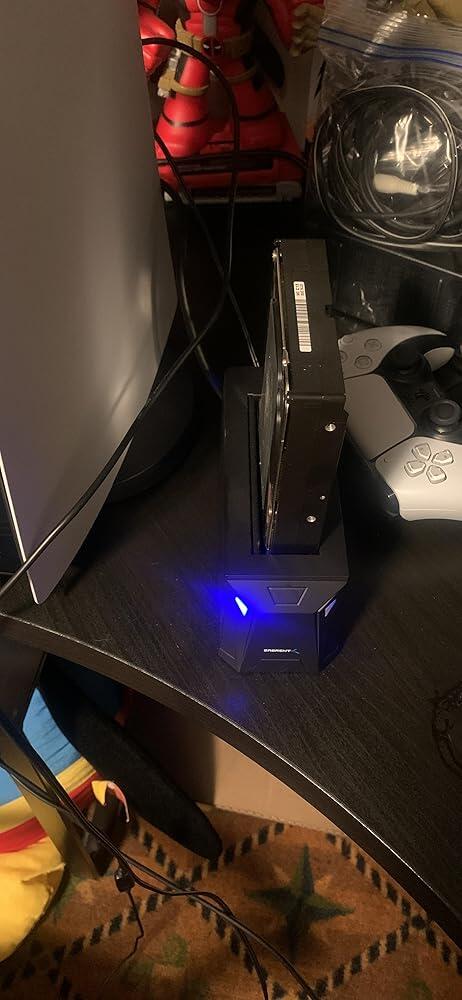
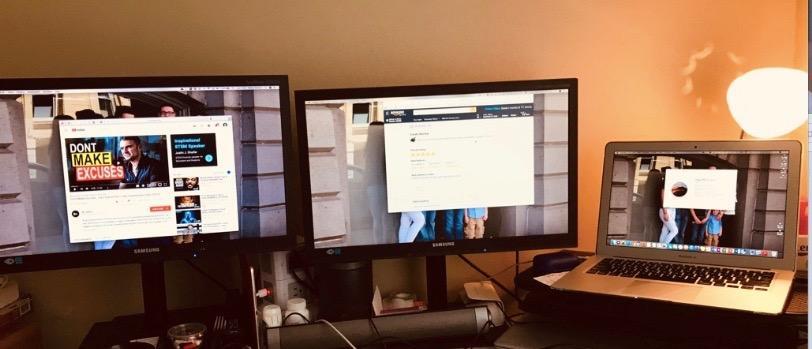
Worked great on my MacBook Air 2017 on the macOS Mojave version 10.14.4 (which was hard to find). I have two additional screens (plus the laptop screen). User friendly; easy set up (maybe 10 minutes installing software and plugging in all the monitors plus initial setup for my bluetooth keyboard and mouse). I am thinking of getting another for my child in college who also is has a MacBook Air (for his dorm room). The only thing extra I had to purchase was an "HDMI to VGA Adapter Converter Gold-Plated for PC, Laptop, DVD, Desktop and Other HDMI Input Devices" for one monitors which was only a few bucks: https://www.amazon.com/gp/product/B016HL4CAY/ref=ppx_yo_dt_b_asin_title_o05_s00?ie=UTF8&psc=1