





FAQ
What are the maximum possible transfer speeds for this drive?
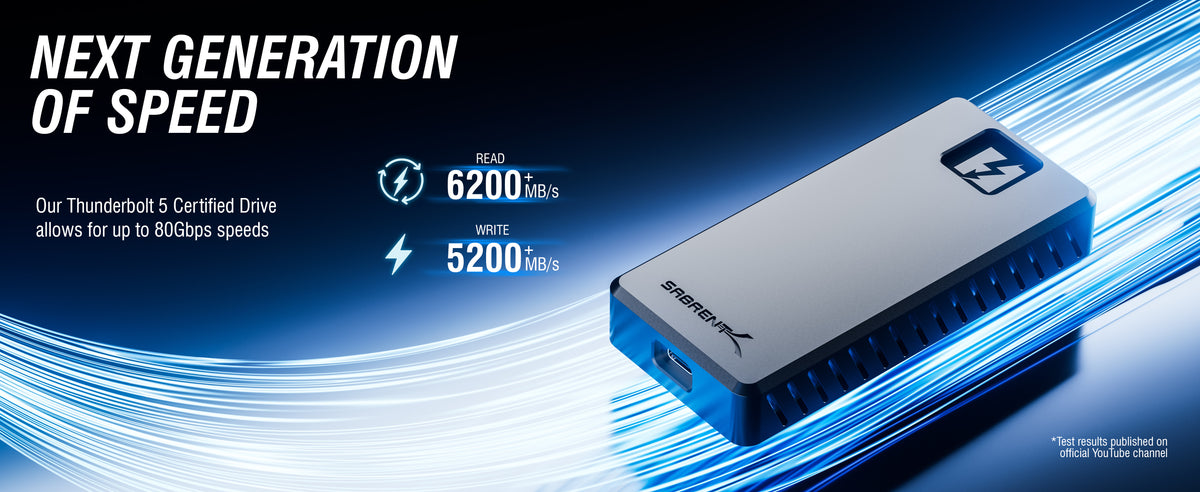
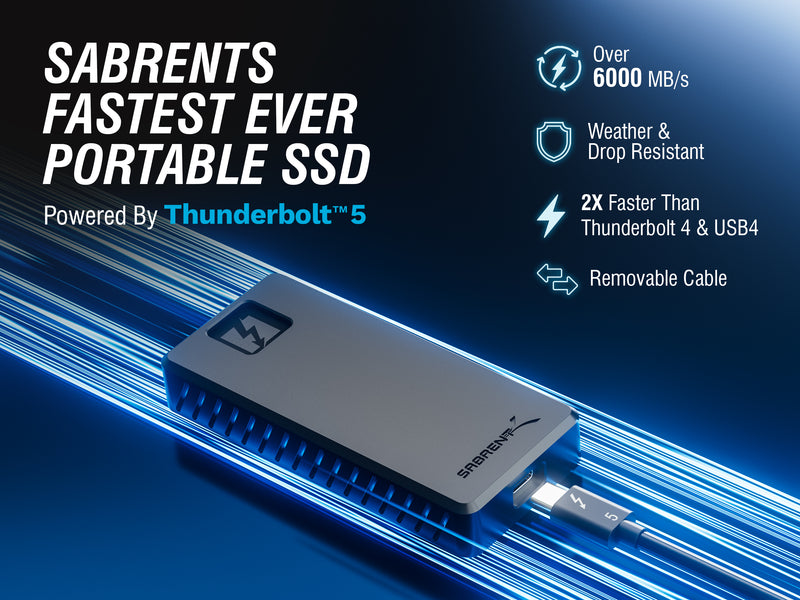
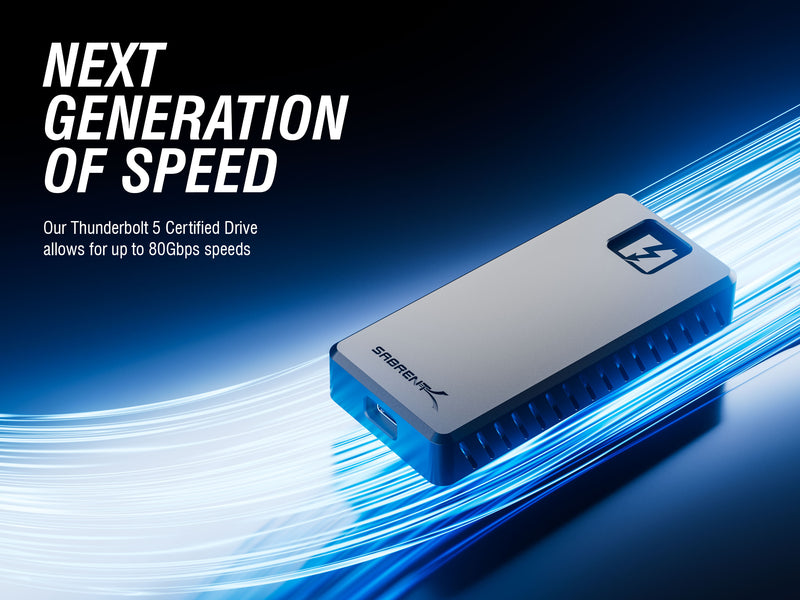
Actual transfer speeds are dependent on a wide range of factors. The first is connection speed, which can be anywhere from 80Gbps with Thunderbolt 5 to 5Gbps with USB 3.2 Gen 1x1. As Thunderbolt uses PCIe lanes for data, the actual maximum transfer speed would be 64Gbps. The transfer speeds may be subject to encoding and overhead such that the real world transfer speeds will be lower. Some operating systems may also report data sizes in different ways due to binary and decimal differences for storage. Beyond this, transfer speeds are also contingent on the workload type and other system parameters. For example, smaller files may transfer at lower speeds. Or, doing multiple transfer streams at once could increase performance in some cases. Speeds may be impacted by limits of the source drive or file system. The host system may also have other performance limitations. Lastly, solid state drives may have an eventual decline in performance from wear, SLC caching, and in some cases thermal throttling.
What is the recommended file system for this drive?
ExFAT provides the best overall compatibility across multiple operating systems. NTFS might be preferable if you are primarily a Windows user. Apple PCs with macOS generally use APFS and, on older hardware, HFS+. Ext4 is common and recommended for Linux, but is not natively readable in Windows or macOS. If and when formatting the drive, decide on the best filesystem for personal usability.
What’s the best way to test performance and quickly check drive health?
We recommended CrystalDiskInfo and CrystalDiskMark for basic performance and health testing, respectively.
Is there anything else I should know?
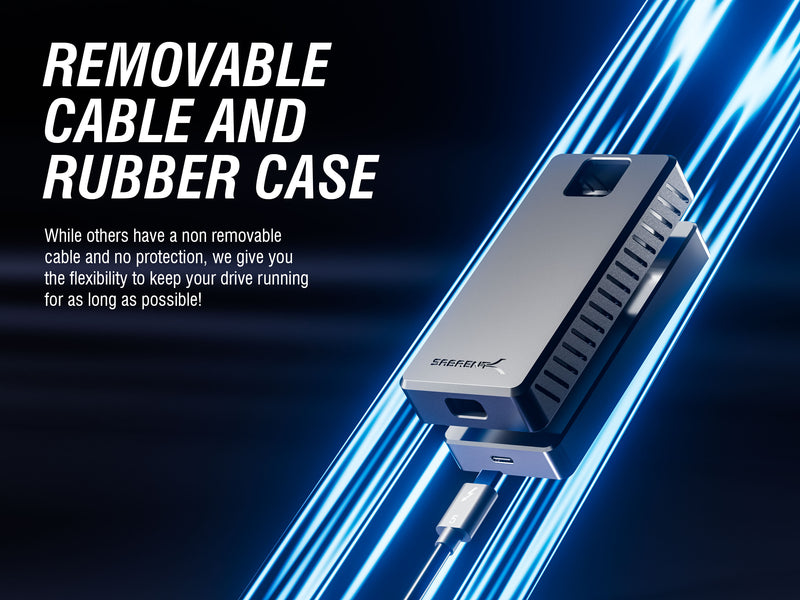
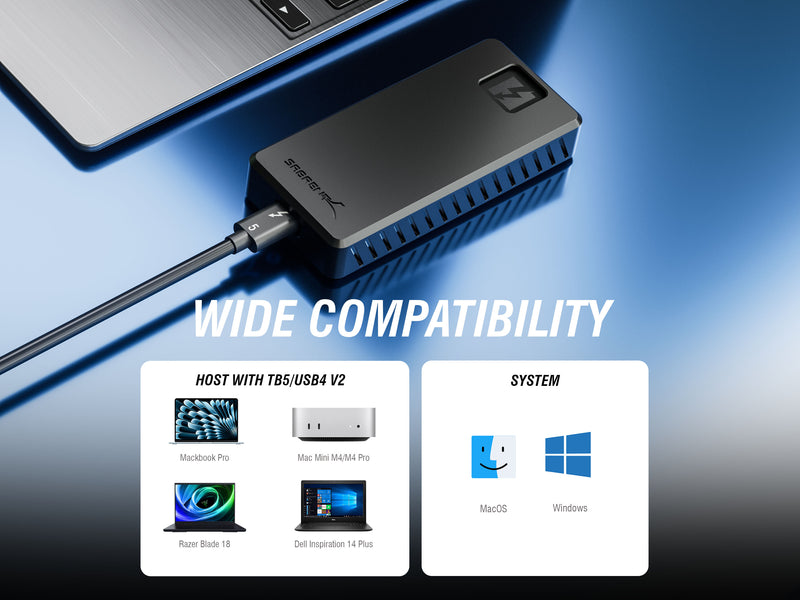
For the optimal experience, a high-quality Thunderbolt cable - which we provide - should always be used with the drive. The drive should have enough power through TB power delivery to allow the drive to hit its maximum performance level. If you are using an older system, this drive can still be useful as it is backward compatible and will work with future devices with TB5+ support.
Customers also bought
Why Buy Direct From Sabrent?
Skip Amazon — get more for less, with benefits only available here.
Lowest Price Guaranteed
Direct pricing beats Amazon after coupons expire.
Same-Day Shipping
Orders before 2 PM ET ship the same business day.
2-Year Warranty
Register within 90 days for extended coverage.
30-Day Returns
Not satisfied? Return within 30 days, no questions asked.