


Downloads
FAQ
What are the recommended operating conditions for the enclosure?
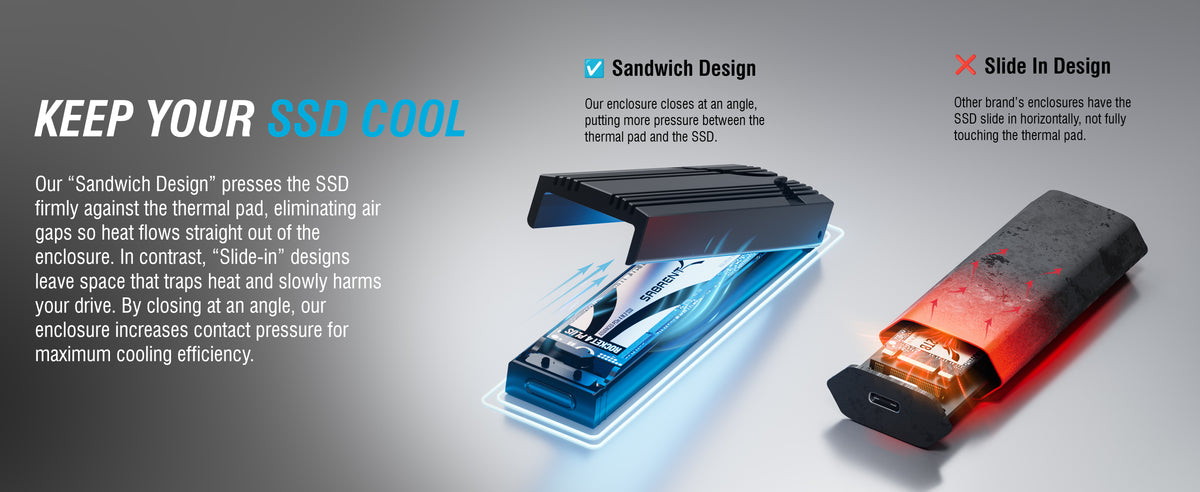
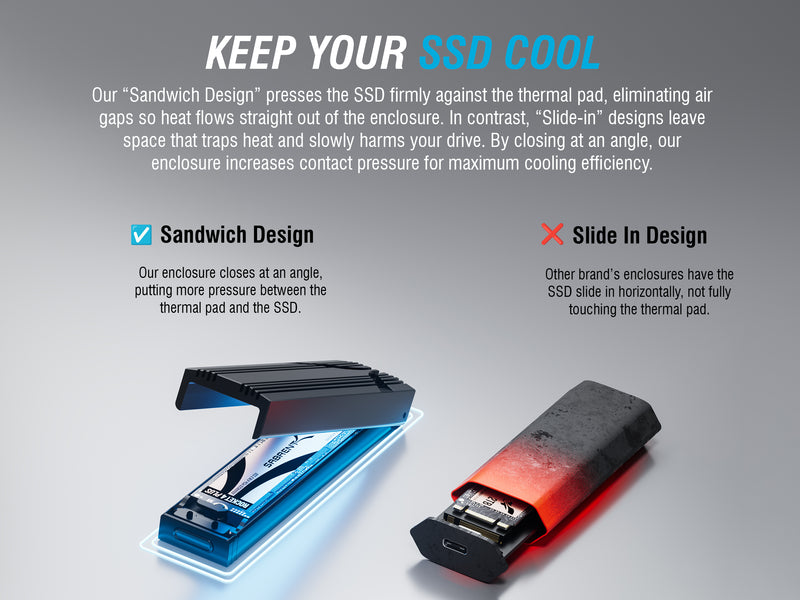
As with all electronics, the enclosure should not come into contact with any liquids and should not be used in environments that are too dry, too humid, too cold, or too hot. Avoiding direct sunlight and other potential heat sources is important for getting the best performance out of the drive due to SSD thermal throttling algorithms.
Are there any best practices for achieving the best performance?
SSDs do require basic maintenance which should be handled by the host operating system by default. This generally includes optimization with the TRIM function, which can pass through USB. Other drive health characteristics can be monitored with S.M.A.R.T. using appropriate software. It’s best to always keep some space free on the drive, if possible, for optimal performance and endurance. Drives should be powered on with some regularity to reduce degradation.
What types of drives are supported?
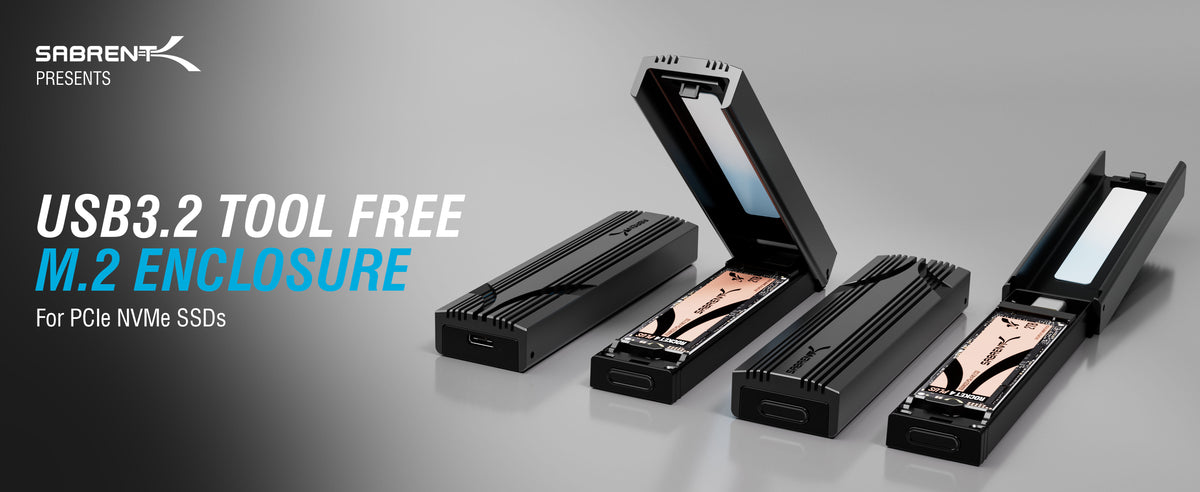
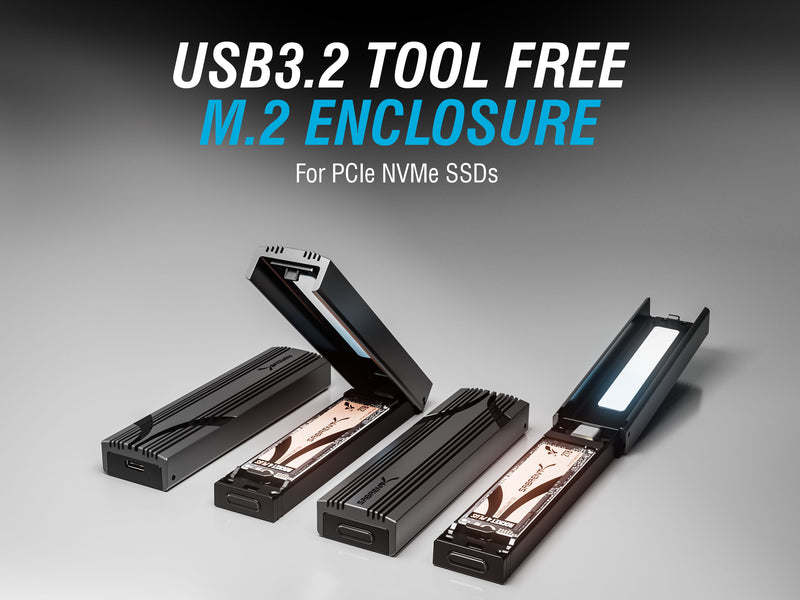
As indicated on the first page of the manual, this enclosure only accepts M Key NVMe SSDs. It’s important not to confuse this with M.2 SATA drives, older M.2 PCIe drives, or even mSATA drives, or any proprietary drives from Apple systems. This enclosure does support M.2 2230 and 2242 drives, which are more commonly used after the advent of the Valve Steam Deck and Asus Legion Go, but does not accept 22110 enterprise drives. Single and double-sided drives are both accepted.
What else should be known about connecting this enclosure?
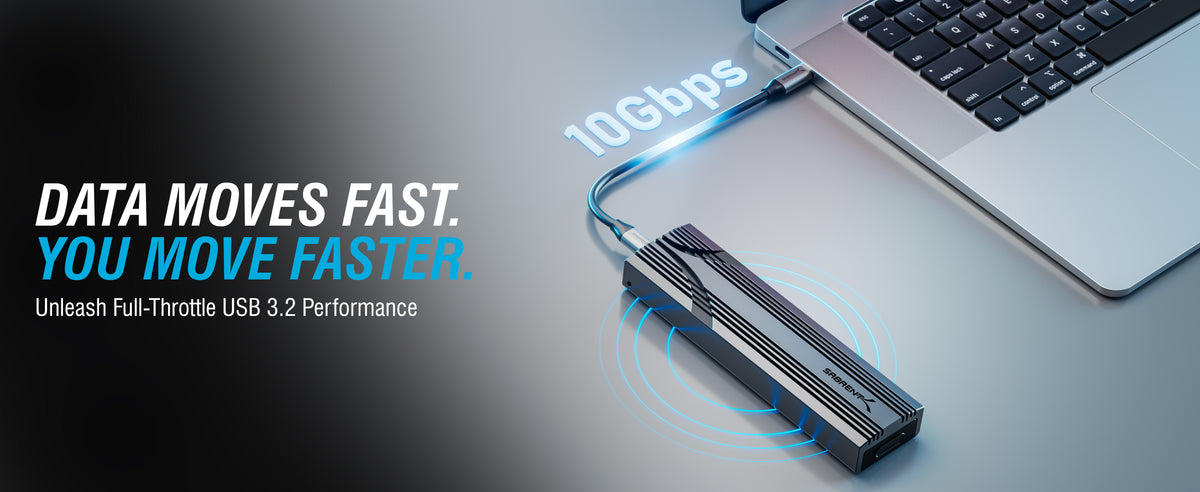
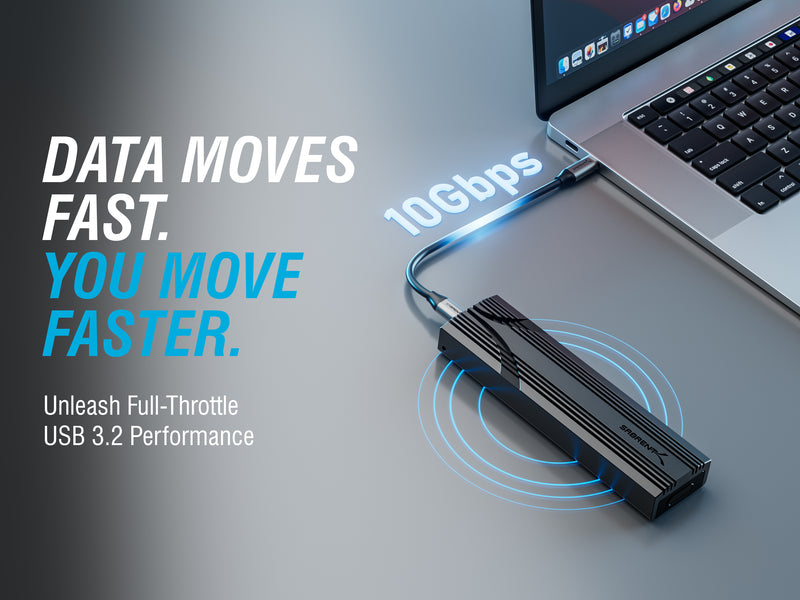
Connecting this enclosure to a USB Type-A port with the assistance of an adapter or native Type-C to Type-A cable will work, although the speed of the port may in some cases reduce performance to 5Gbps (USB 3.2 Gen 1x1). Due to encoding differences, this would be less than half the maximum speed capable with a 10Gbps port. Although this drive is bus-powered, it may not function properly with all mobile devices - that means smartphones, tablets, hubs, and more. Check host requirements and data limitations before attempting to connect the drive.
Customers also bought
Why Buy Direct From Sabrent?
Skip Amazon — get more for less, with benefits only available here.
Lowest Price Guaranteed
Direct pricing beats Amazon after coupons expire.
Same-Day Shipping
Orders before 2 PM ET ship the same business day.
2-Year Warranty
Register within 90 days for extended coverage.
30-Day Returns
Not satisfied? Return within 30 days, no questions asked.